LTX 2.x inference with ComfyUI
Run LTX-2.x video and audio generation in ComfyUI on RunPod. The template provisions the models, text encoders, VAEs, LoRAs, custom nodes and example workflows needed for text-to-video, image-to-video and video-to-video generation.
What to expect
The template is intended for users who want to run ComfyUI on RunPod and are comfortable following technical setup steps. No Linux expertise is required for normal use, but basic familiarity with RunPod pods, logs, tokens and file management is helpful.
The pod is an experimental workspace for video creators who want to combine generation models, editing models, LoRAs and custom nodes in open and flexible creative pipelines. It supports video and audio generation, pose transfer, prompt enhancement and longer video workflows.
The approach is aligned with the open-model discussion in Eric Hartford's Uncensored Models: local and open AI systems give advanced users more ownership, control and composability. The pod is a technical workspace for responsible use rather than a content platform or safety policy.
Included features
- Complete LTX-2.x model chain.
- Public ungated LTX-2.5 model chain from
comfyicu/LTX-2.5. - Community Heretic BF16 and INT8 ConvRot text-encoder profiles selected by GPU VRAM.
- Video and audio VAEs, spatial and temporal latent upscalers, and a duration-head patch.
- CUDA 12.8 with compiled attention and GPU acceleration.
- ComfyUI, Code Server, SSH and LoRA Manager.
- Authentication for Hugging Face and CivitAI.
RunPod deployment
Start here: Deploy and start the LTX template on RunPod.
Once the pod is running, use the workflow examples below to choose what you want to create. Follow the ComfyUI tutorial for the steps from opening ComfyUI to running your first workflow.
Choose a workflow
| Goal | Input | Recommended workflow | Go to |
|---|---|---|---|
| Animate a still image | Image and prompt | LTX-2.5 image-to-video | Workflow |
| Generate a video from a description | Text prompt | LTX-2.5 text-to-video | Workflow |
| Transfer a pose from a source video | Source video and pose reference | LTX-2.3 DWPose transfer | Workflow |
| Transfer a pose while adjusting body proportions | Source video and pose reference | LTX-2.3 SDPose transfer | Workflow |
Standard workflows
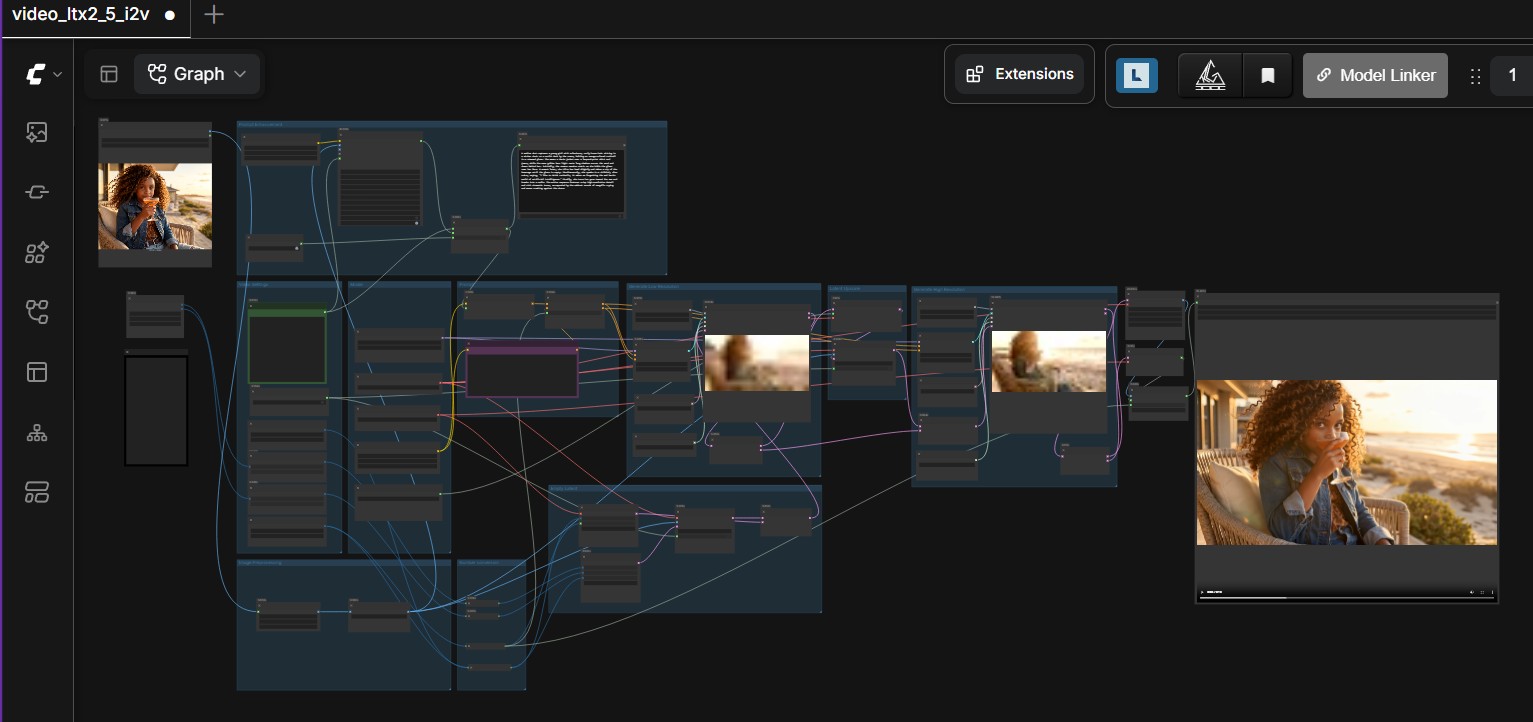
LTX-2.5 image-to-video
Select the output size and frame count, enter a prompt and configure offloading for the available GPU memory.
View the LTX-2.5 image-to-video workflow
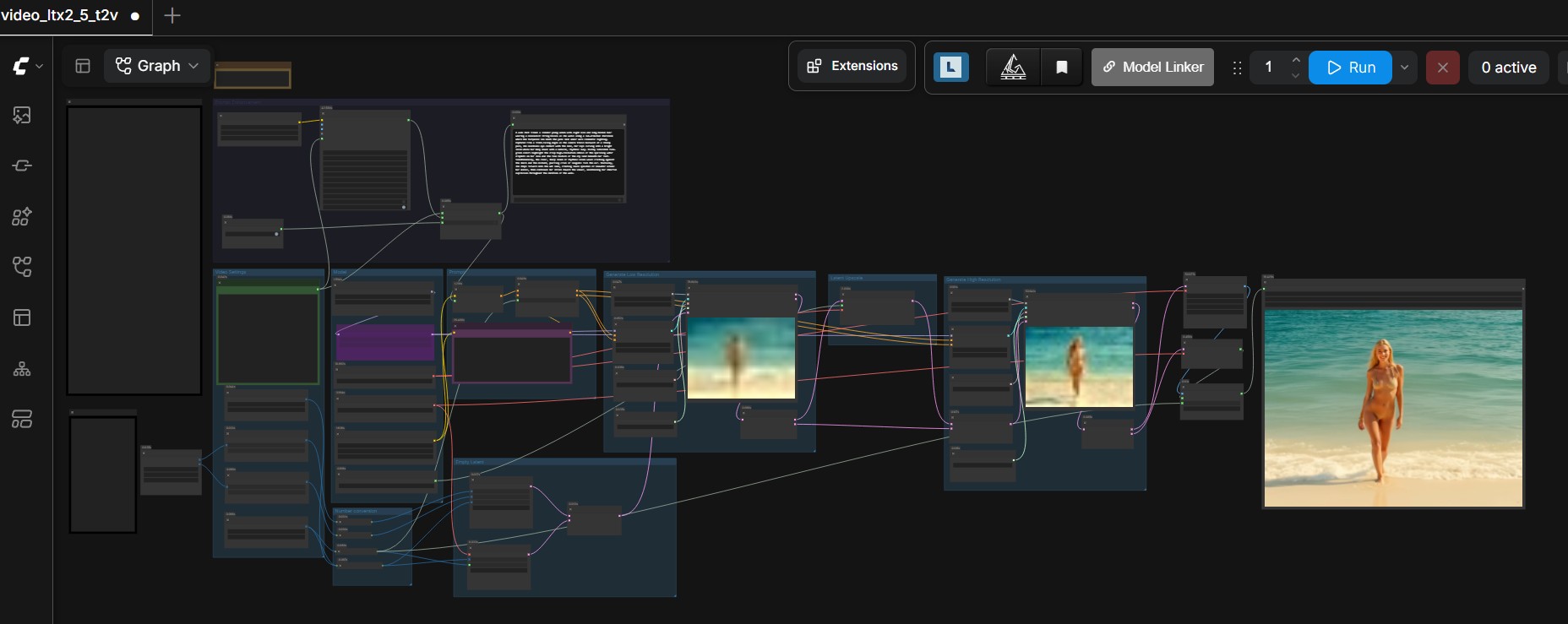
LTX-2.5 text-to-video
Generate video and audio from a text description with controls for size, duration and model offloading.
View the LTX-2.5 text-to-video workflow
Advanced workflows and tools
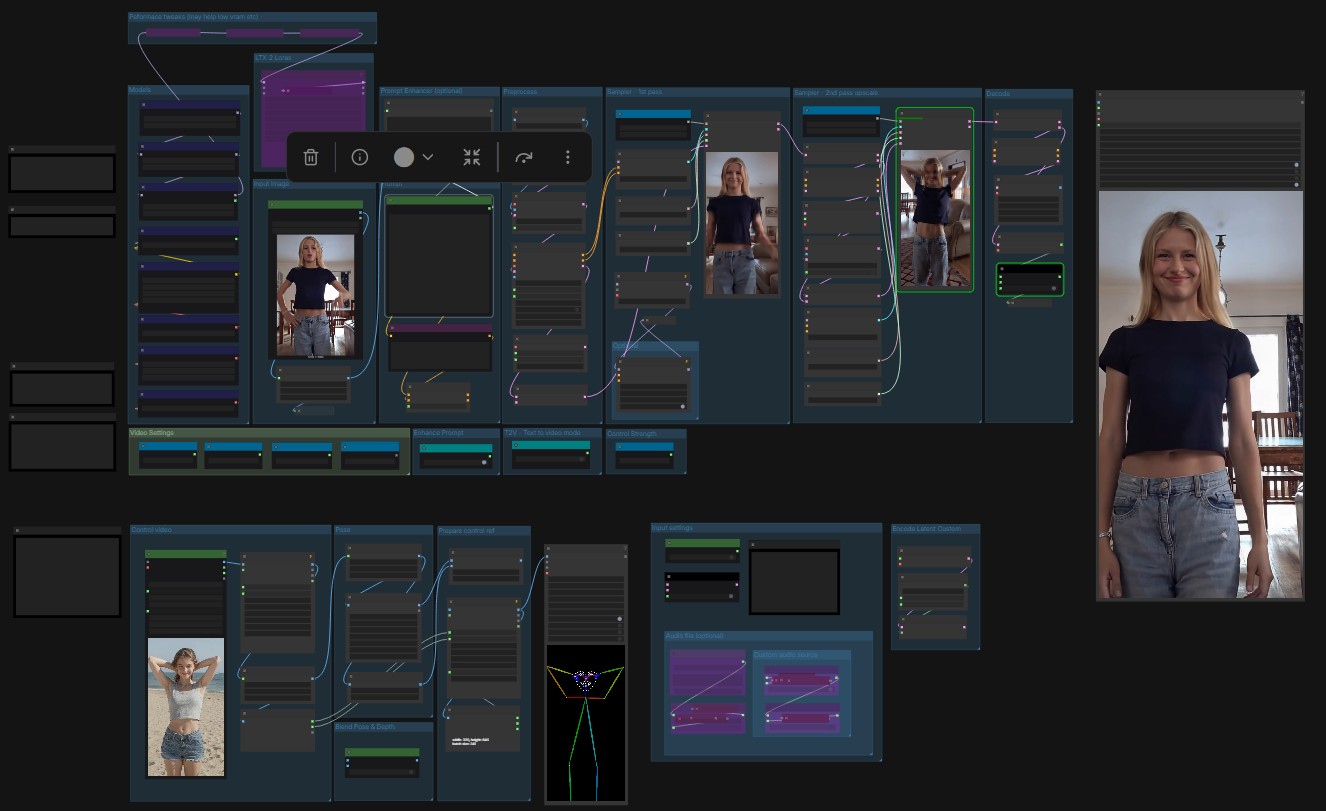
DWPose video-to-video transfer
Use DWPose guidance to transfer movement from a source video to the generated subject.
View the LTX-2.3 DWPose transfer workflow
SDPose video-to-video transfer
Use SDPose with Body Ratio Mapper when the transferred movement also needs proportional body adjustment.
View the LTX-2.3 SDPose transfer workflow
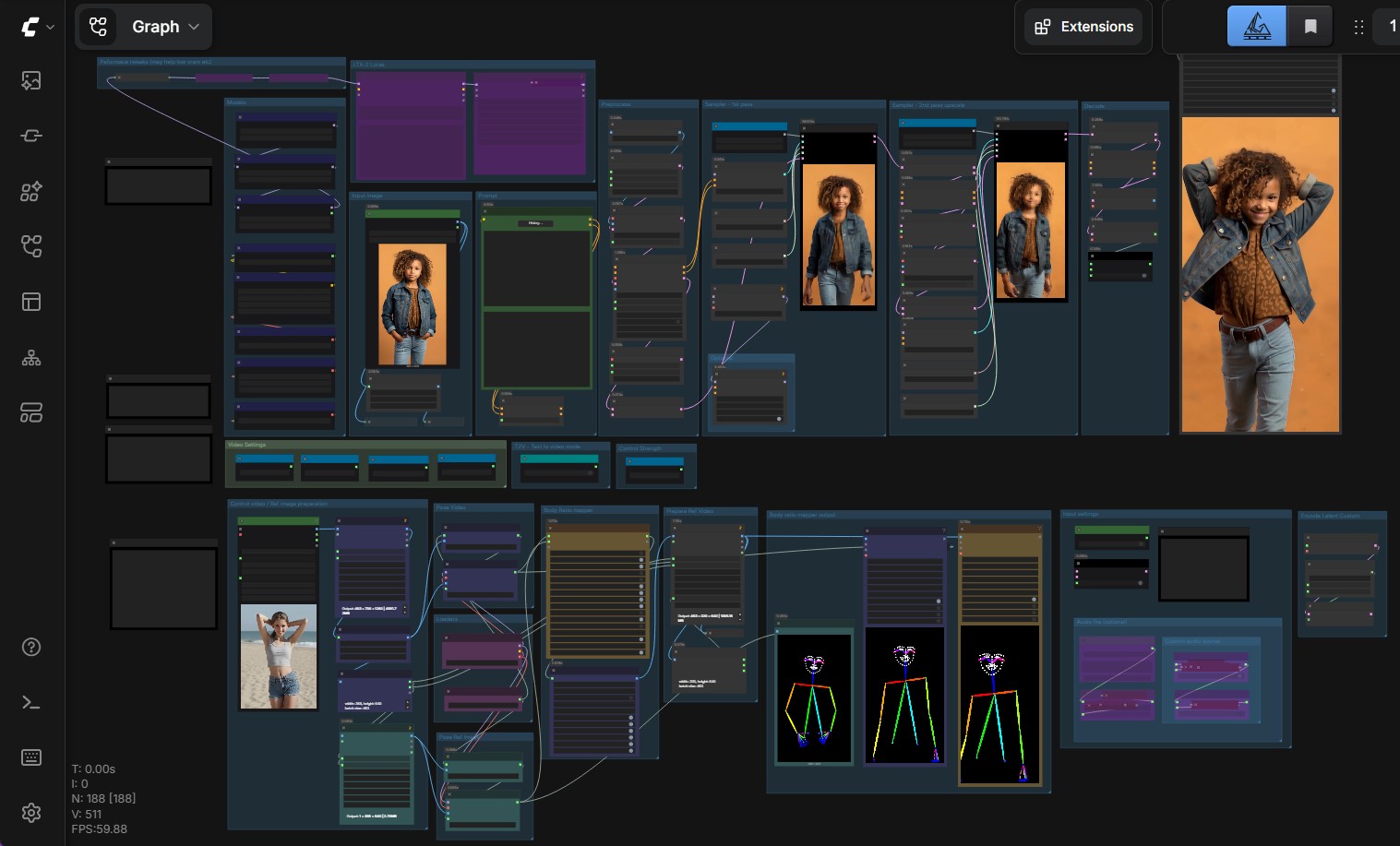
Output examples
- The following clips show the output of the standard LTX-2.5 workflows.
- Video and audio are generated directly by the model.
- Person reference images were generated using Krea-2.
Image-to-video example
Text-to-video example
Hardware output comparison
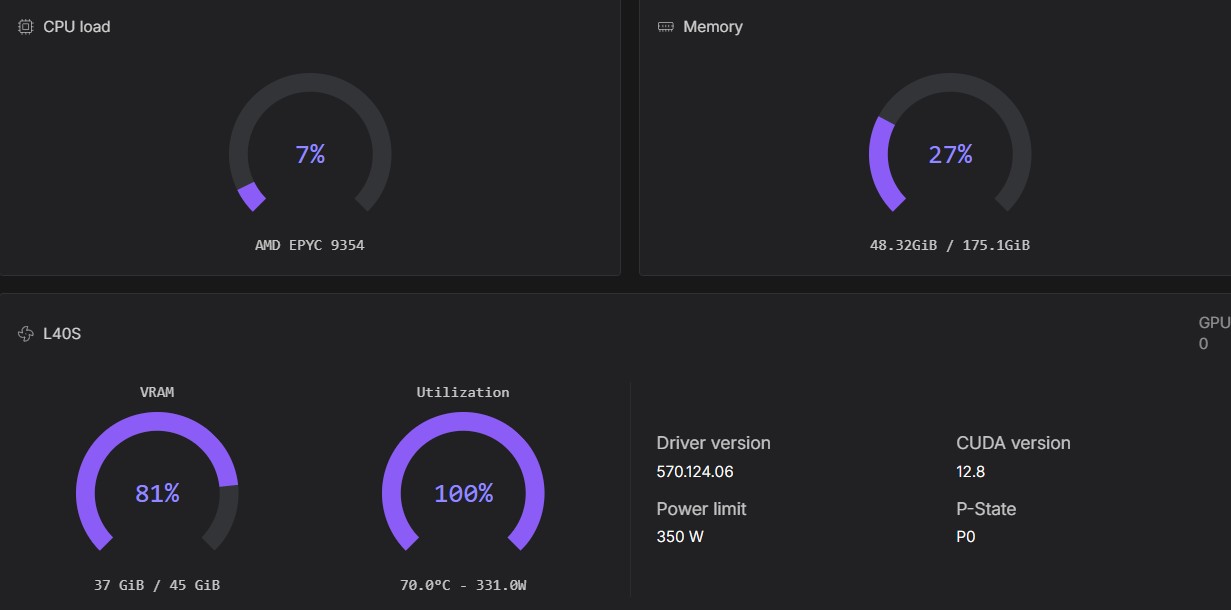
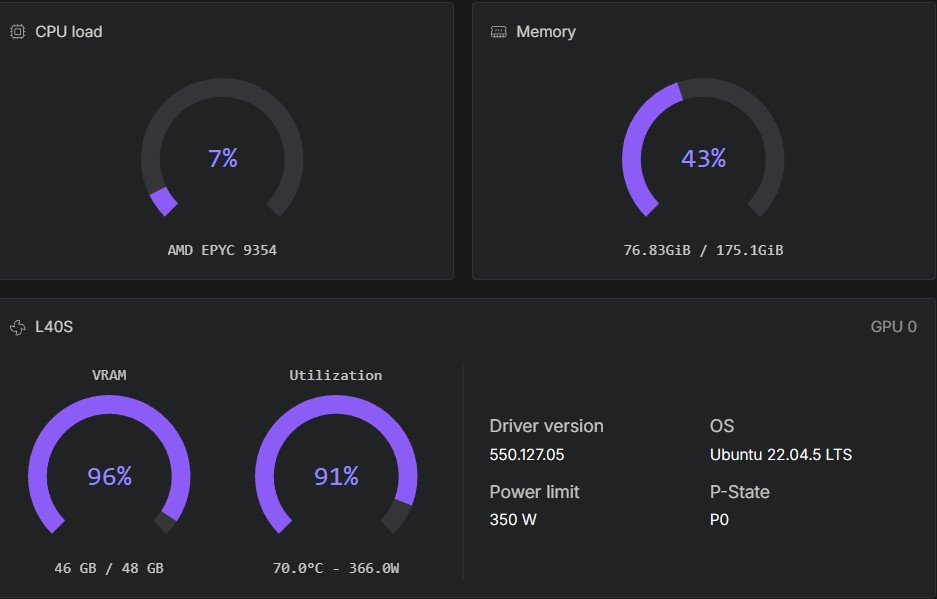
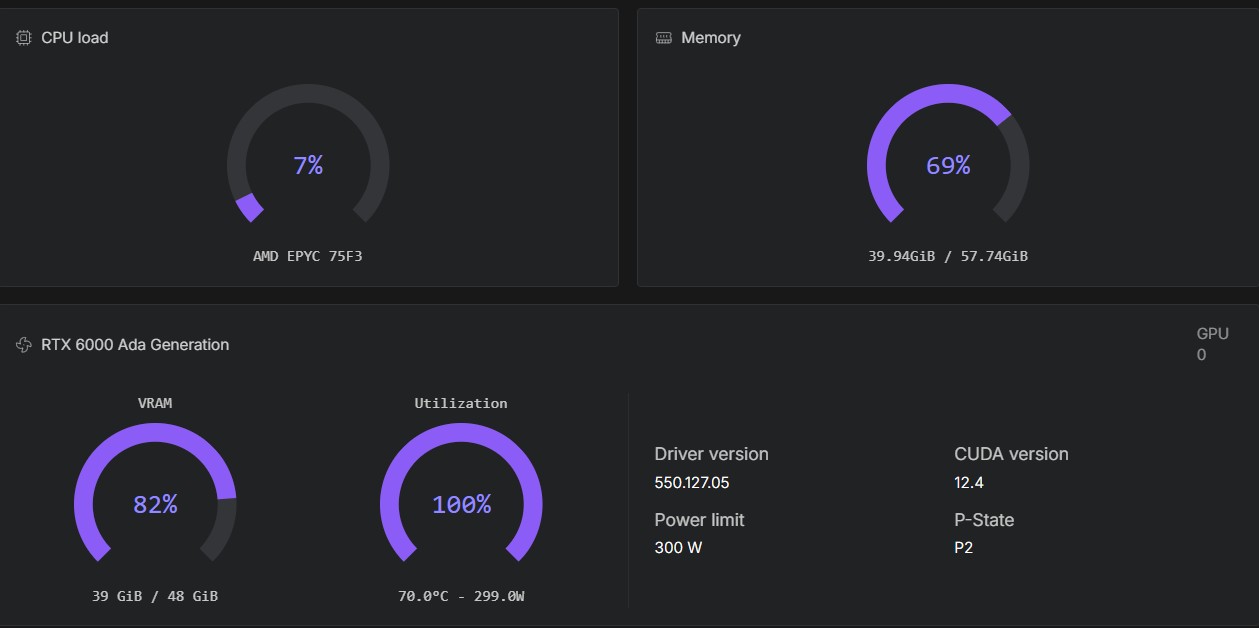
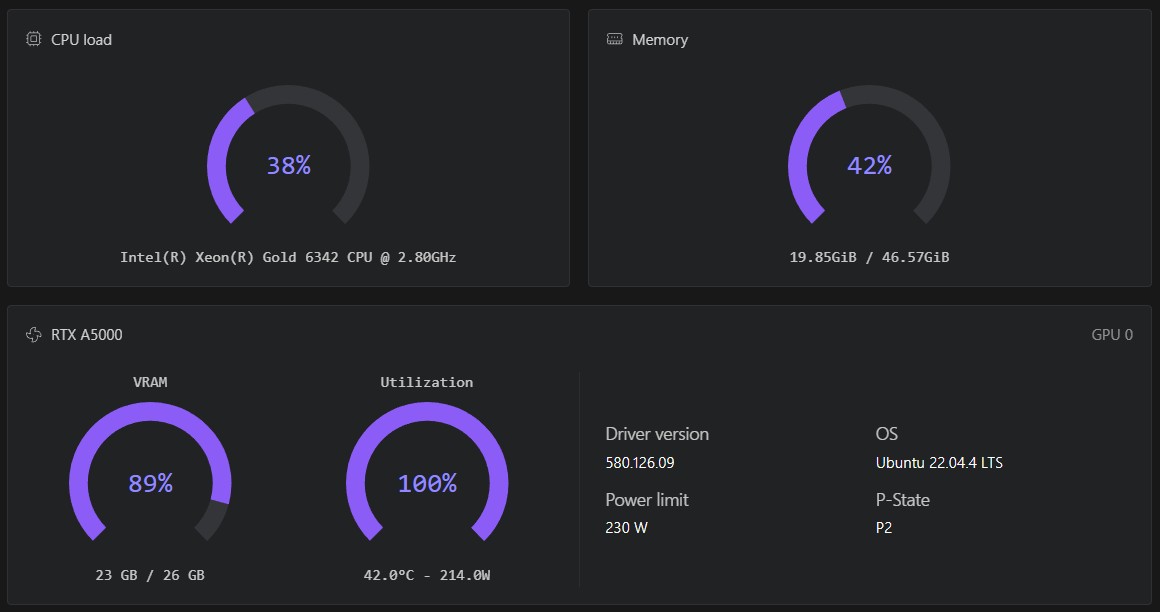
These screenshots show LTX-2.5 and LTX-2.3 running with different model precisions and GPU configurations.
| Version | GPU | Precision or profile |
|---|---|---|
| LTX-2.5 | L40S | INT8 ConvRot |
| LTX-2.3 | L40S | BF16 |
| LTX-2.3 | RTX 6000 Ada | BF16 |
| LTX-2.3 | RTX A5000 | FP8 |
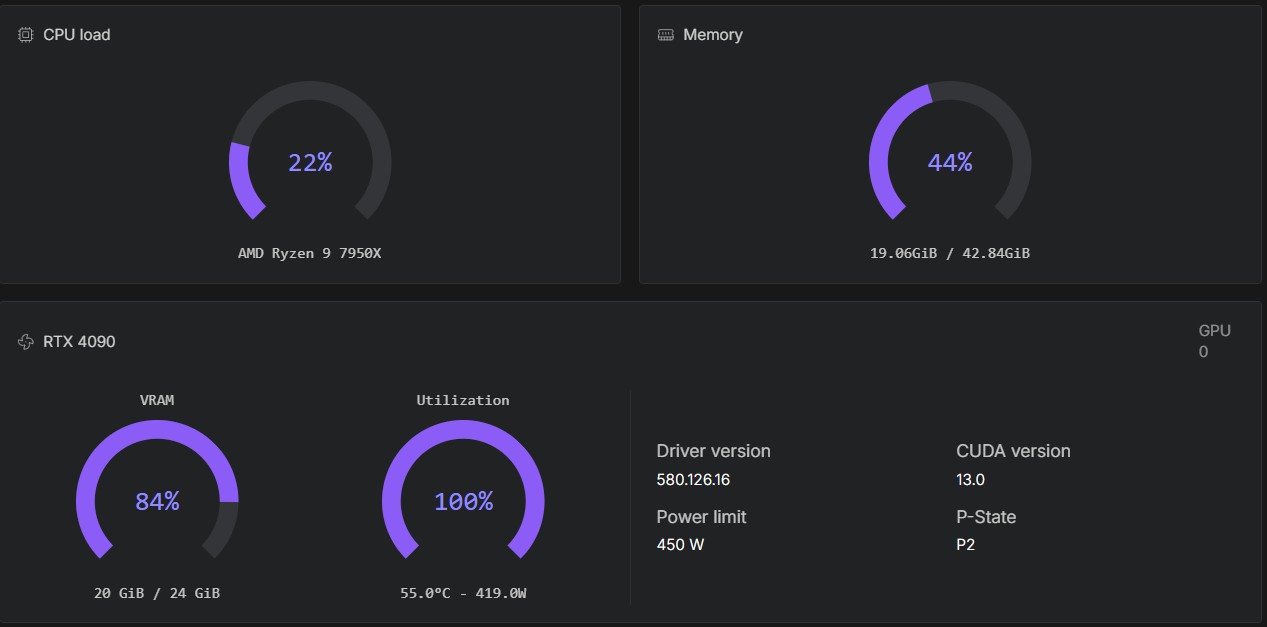
| LTX-2.3 | RTX 4090 | FP8 |
View the hardware comparison screenshots
LTX-2.5 on an L40S with INT8 ConvRot
LTX-2.3 on an L40S with BF16
LTX-2.3 on an RTX 6000 Ada with BF16
LTX-2.3 on an RTX A5000 with FP8
LTX-2.3 on an RTX 4090 with FP8