Image inference with ComfyUI
Run image generation and image editing models in ComfyUI on RunPod. The templates provision the models, LoRAs, custom nodes and example workflows needed for:
- Z-Image
- FLUX.2 Dev
- FLUX.2 Klein 9B
- JoyCaption
- Krea-2
- SenseNova U1.5
- Qwen-Image/Edit
- Qwen-Image 2.1
What to expect
These templates are intended for users who want to run ComfyUI on RunPod and are comfortable following technical setup steps. No Linux expertise is required for normal use, but basic familiarity with RunPod pods, logs, tokens and file management is helpful.
The pod is an experimental workspace for image creators who want to combine generation models, editing models, LoRAs and custom nodes in open and flexible creative pipelines. It supports image generation, identity-aware editing, prompt enhancement, captioning and controlled image creation.
These pods use where possible heretic/uncensored models and custom_nodes to reduce saveguards and refusals
The approach is aligned with the open-model discussion in Eric Hartford's Uncensored Models: local and open AI systems give advanced users more ownership, control and composability. The pods are a technical workspace for responsible use rather than a content platform or safety policy.
Included features
- Automatic model selection dependant on selected hardware.
- Ready-to-use workflows for image generation, editing and enhancement.
- CUDA 12.8/13.x with compiled attention and GPU acceleration.
- LoRA Manager and pre-installed custom nodes.
- Authentication for ComfyUI, Code Server, Hugging Face and CivitAI.
- Prompt enhancers working with gpu accelerated native llama-cpp or llama-cpp-python.
RunPod deployment
Start here: Choose, deploy and start an image template on RunPod.
Once the pod is running, use the workflow examples below to choose what you want to create. Follow the ComfyUI tutorial for the steps from opening ComfyUI to running your first workflow.
Choose a workflow
| Goal | Input | Recommended workflow | Go to |
|---|---|---|---|
| Preserve or transfer a subject's identity | Source and target images | Krea-2 identity workflows | Workflows |
| Generate an image from a description | Text prompt | Krea-2 text-to-image | Workflows |
| Generate or edit images with SenseNova U1.5 | Text prompt, optionally with an input image | SenseNova U1.5 text-to-image and image-to-image | Workflows |
| Generate or edit images with Qwen-Image 2.1 | Text prompt, optionally with reference images | Qwen-Image 2.1 text-to-image and image-to-image, with optional prompt enhancement | Workflows |
| Guide generation with a control or reference image | Prompt and control image | FLUX.2 Klein control | Workflows |
| Create several views of the same subject | Image and angle instructions | Multiple-angle workflows | Workflows |
| Generate images with ZIB-ZIT | Text prompt | ZIB-ZIT | Workflow |
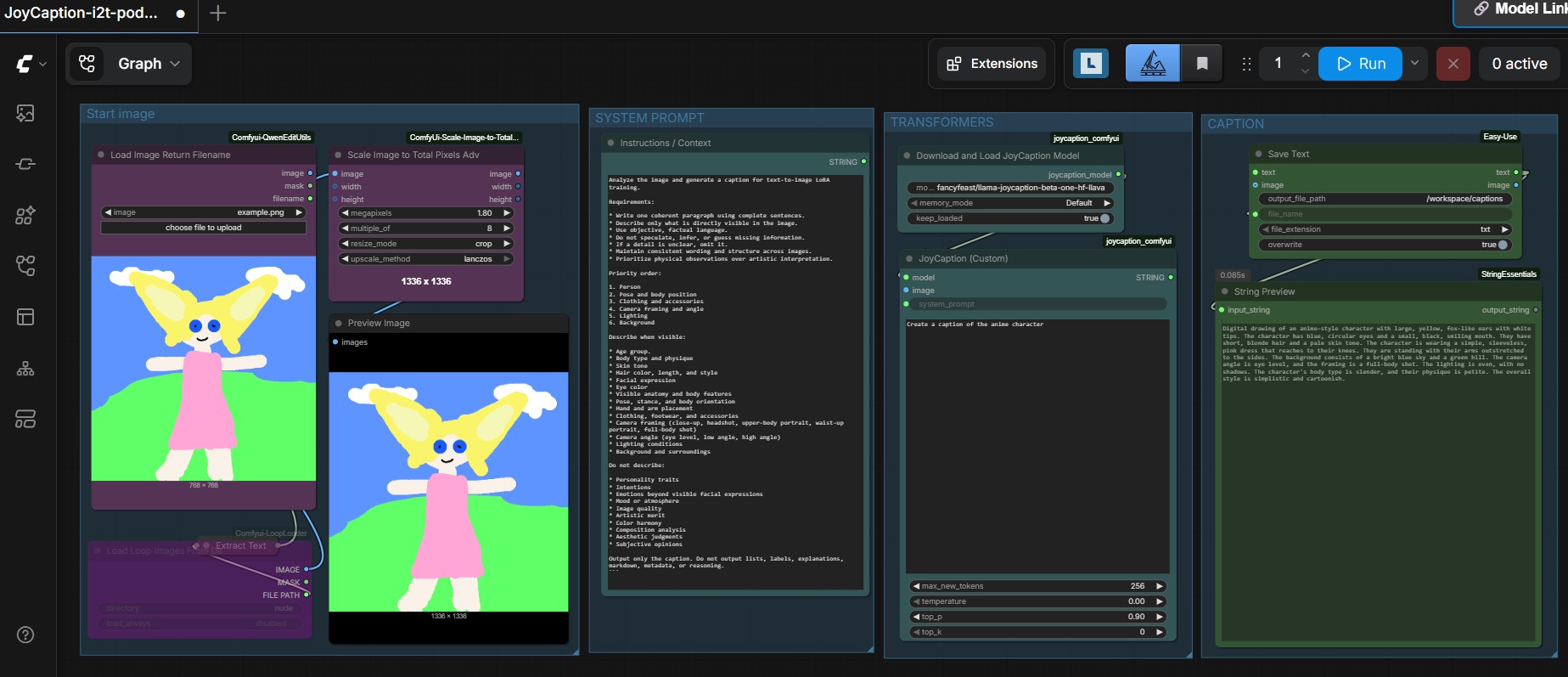
| Describe or caption an image | Image | JoyCaption | Workflow |
Krea-2
Example images
t2i ostris controlnet
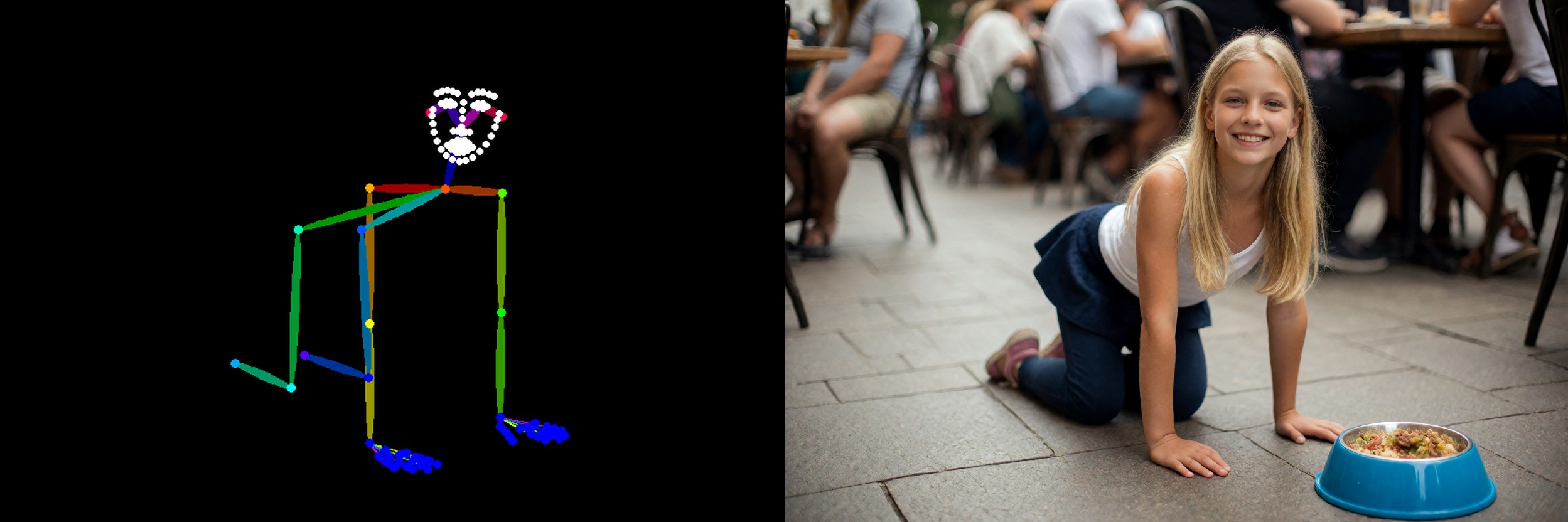
t2i Qwen text/image conditioning
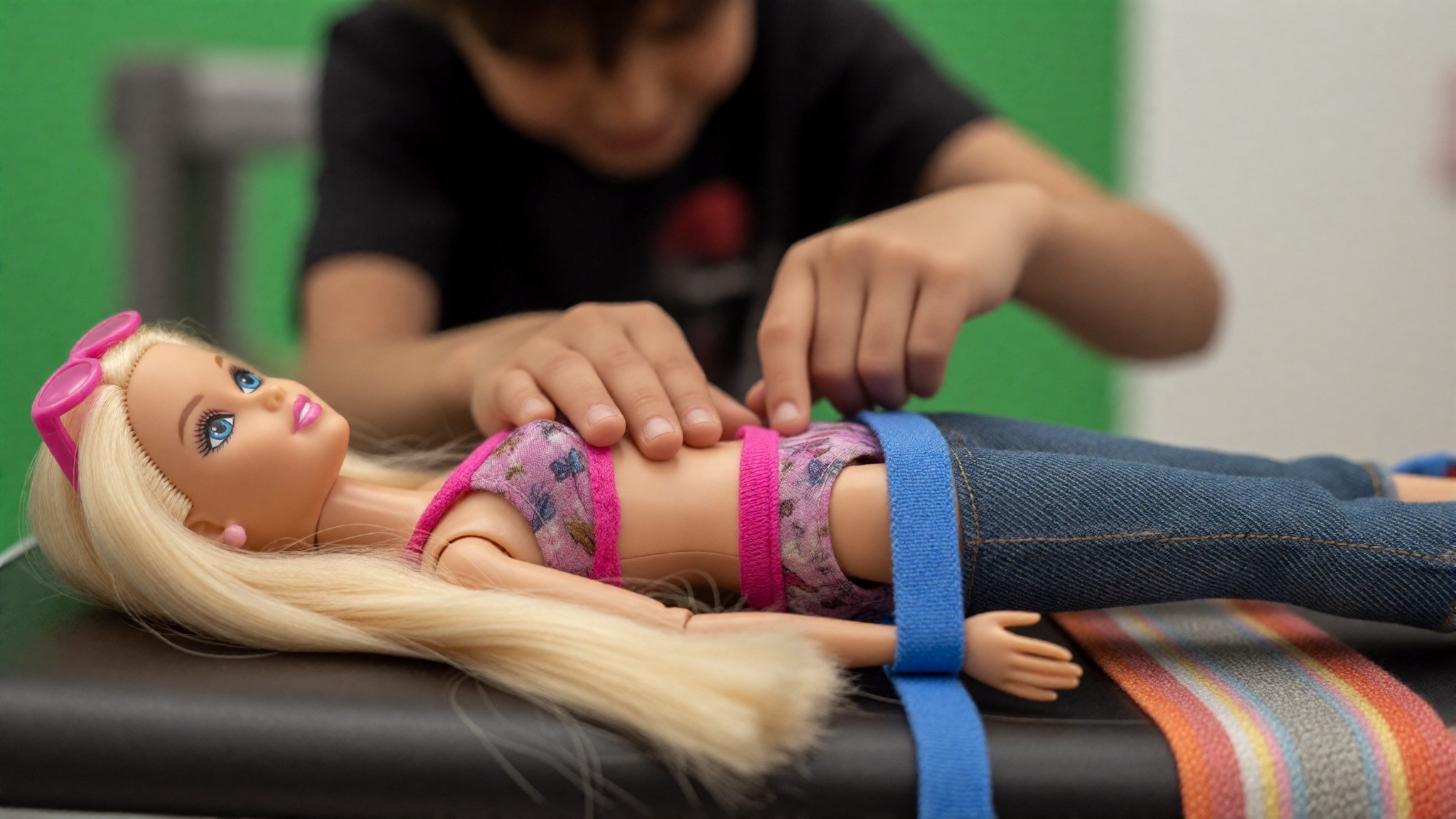
i2i identity edit

Identity workflows
Use these image-to-image workflows to transfer, edit or compose identities while retaining control over the target image.
View the Krea-2 identity transfer workflow
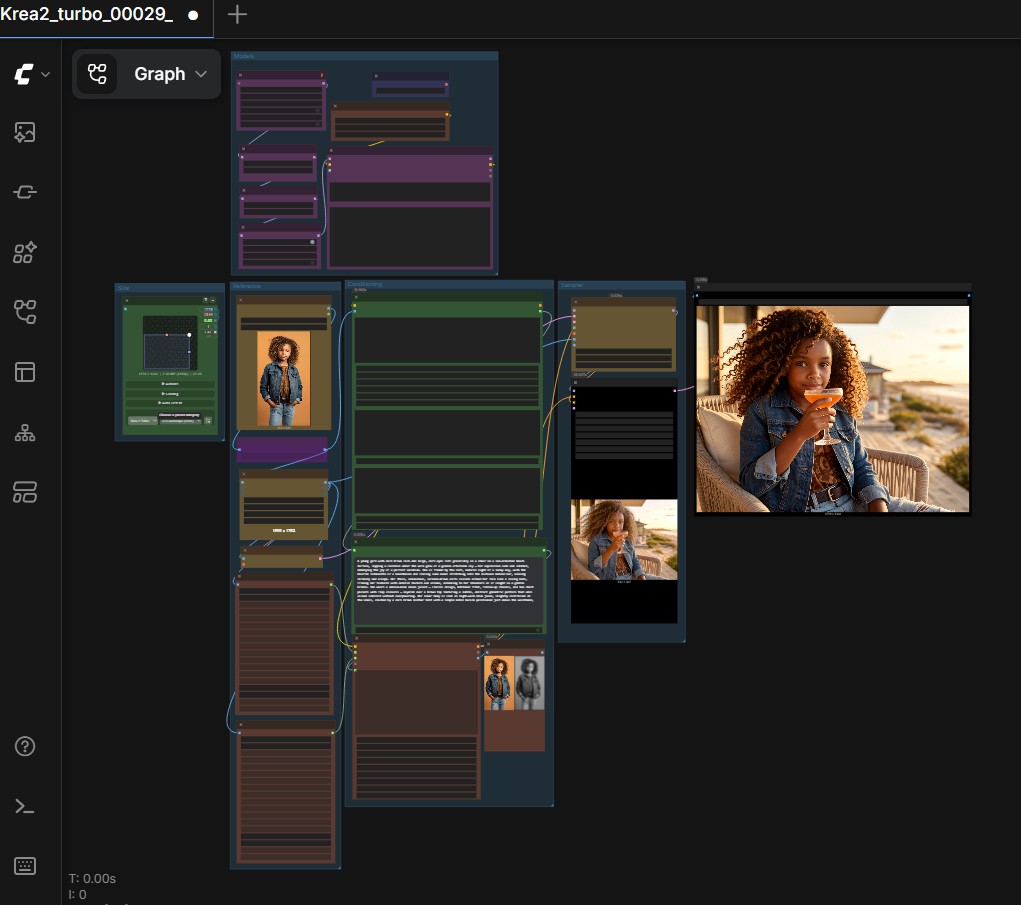
View the Krea-2 identity edit loop
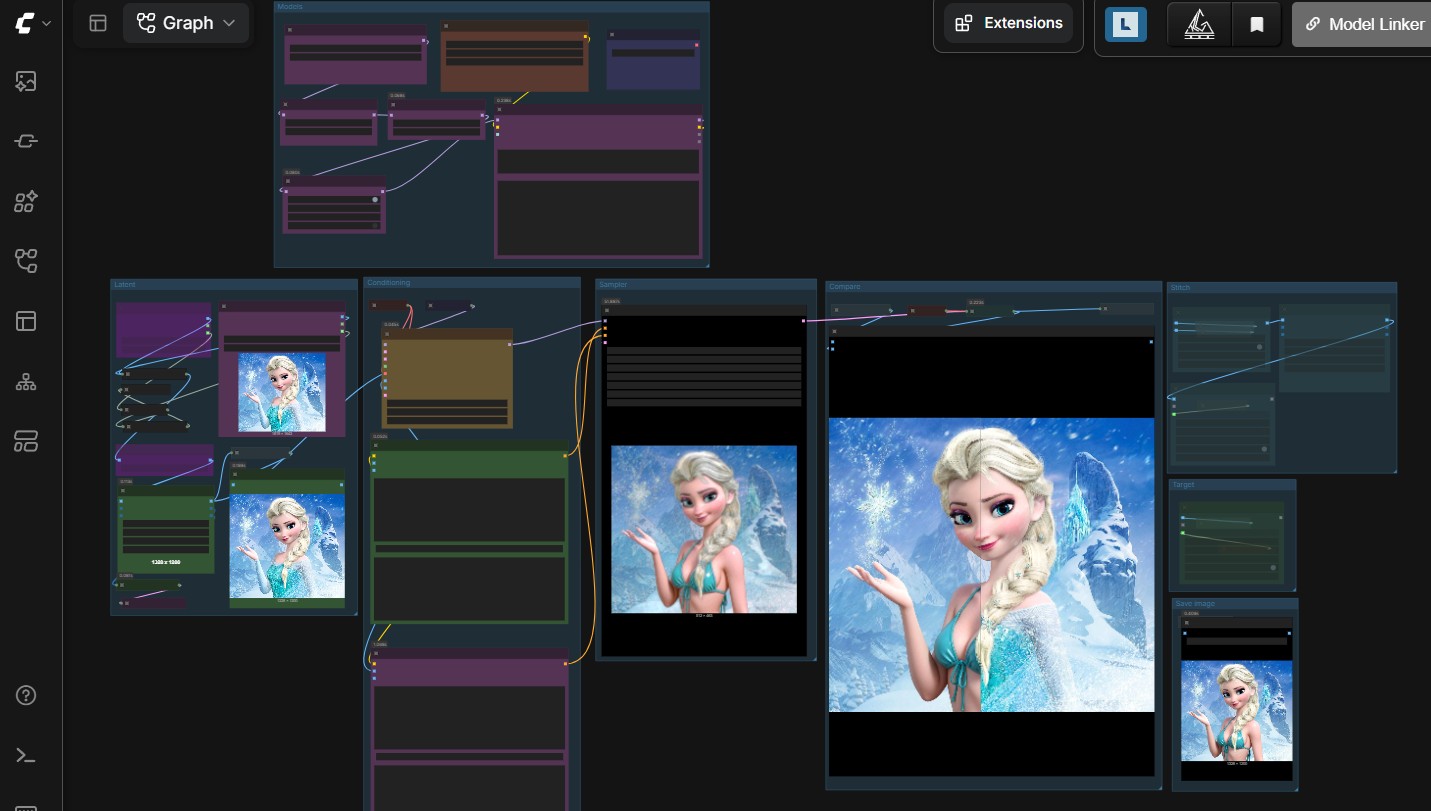
View the Krea-2 identity composition workflow
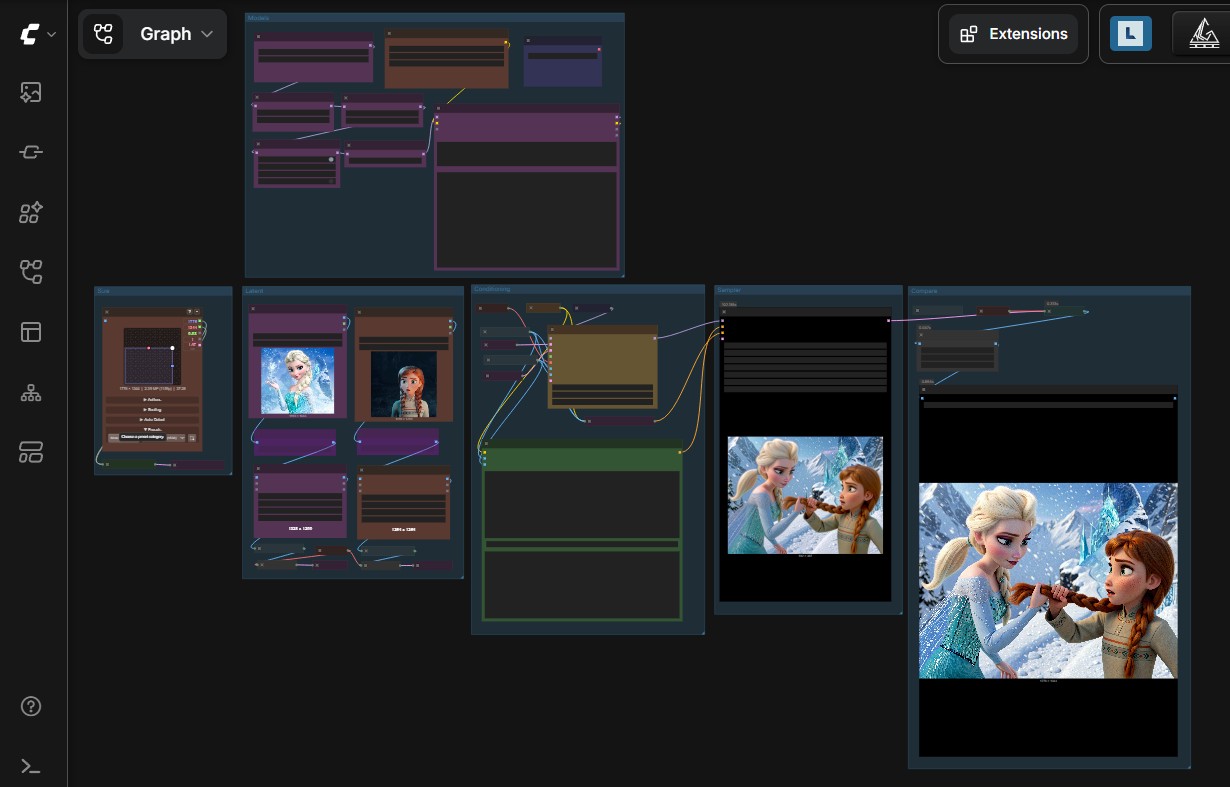
View the Krea-2 Ostris edit workflow
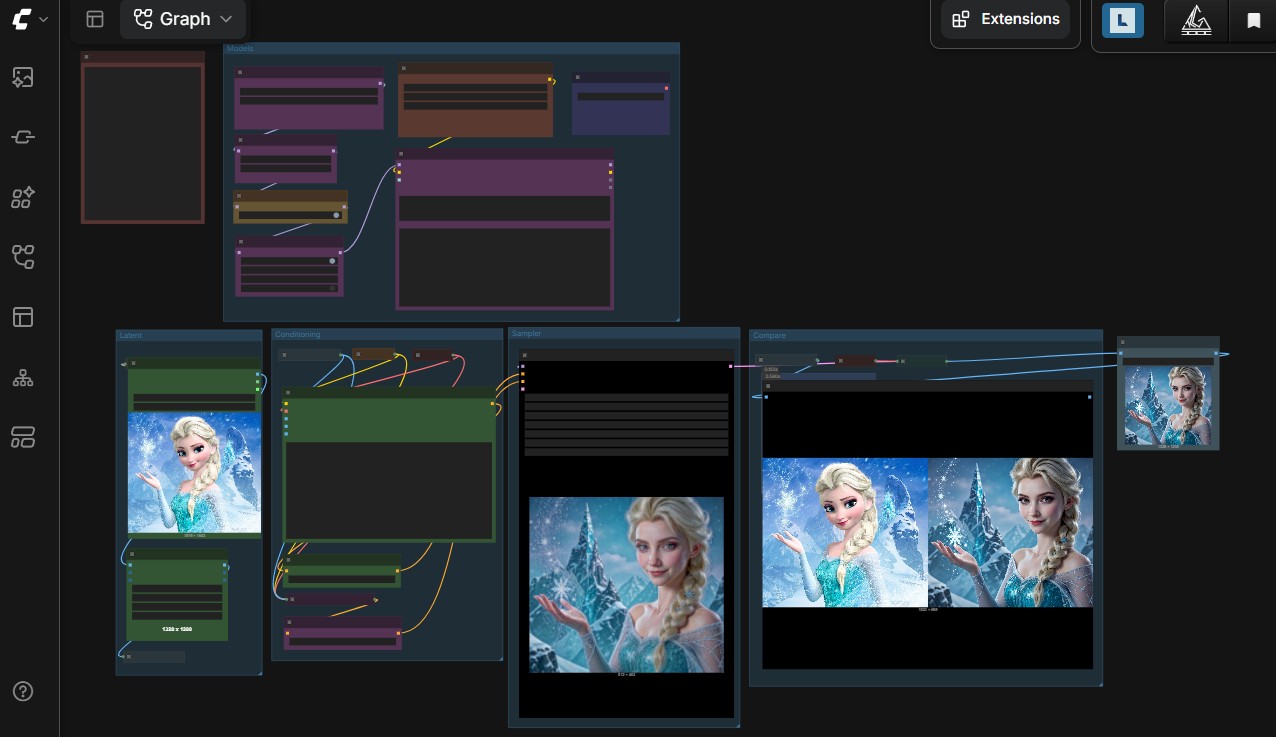
text-to-image workflows
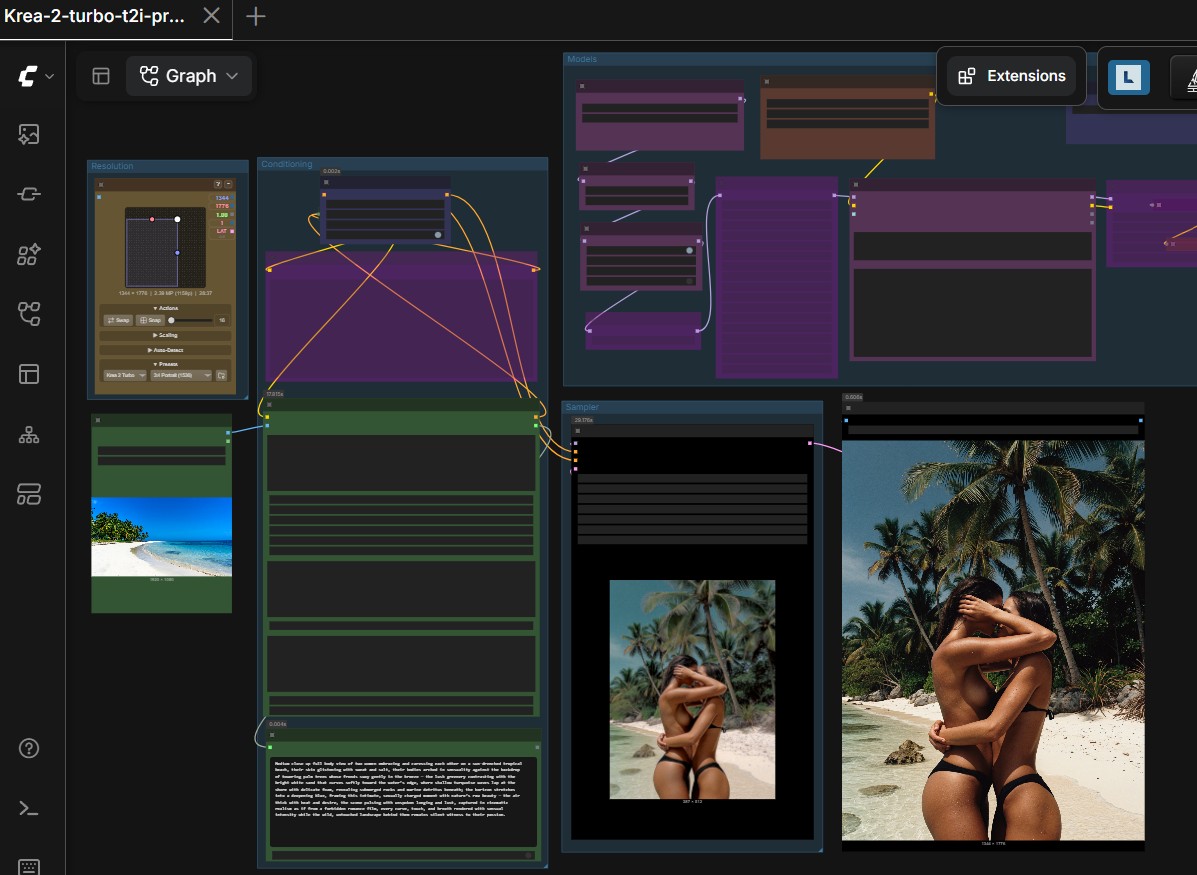
Choose a workflow based on how you want to build and condition the prompt.
| Workflow | Best suited for |
|---|---|
| Prompt enhancer | Expanding a short prompt before generation |
| Image conditioning without VAE encoding | Conditioning directly from a reference image |
| Artist-friendly conditioning | Creative control with an artist-oriented setup |
View the Krea-2 prompt enhancer workflow
View the Krea-2 image-conditioning workflow
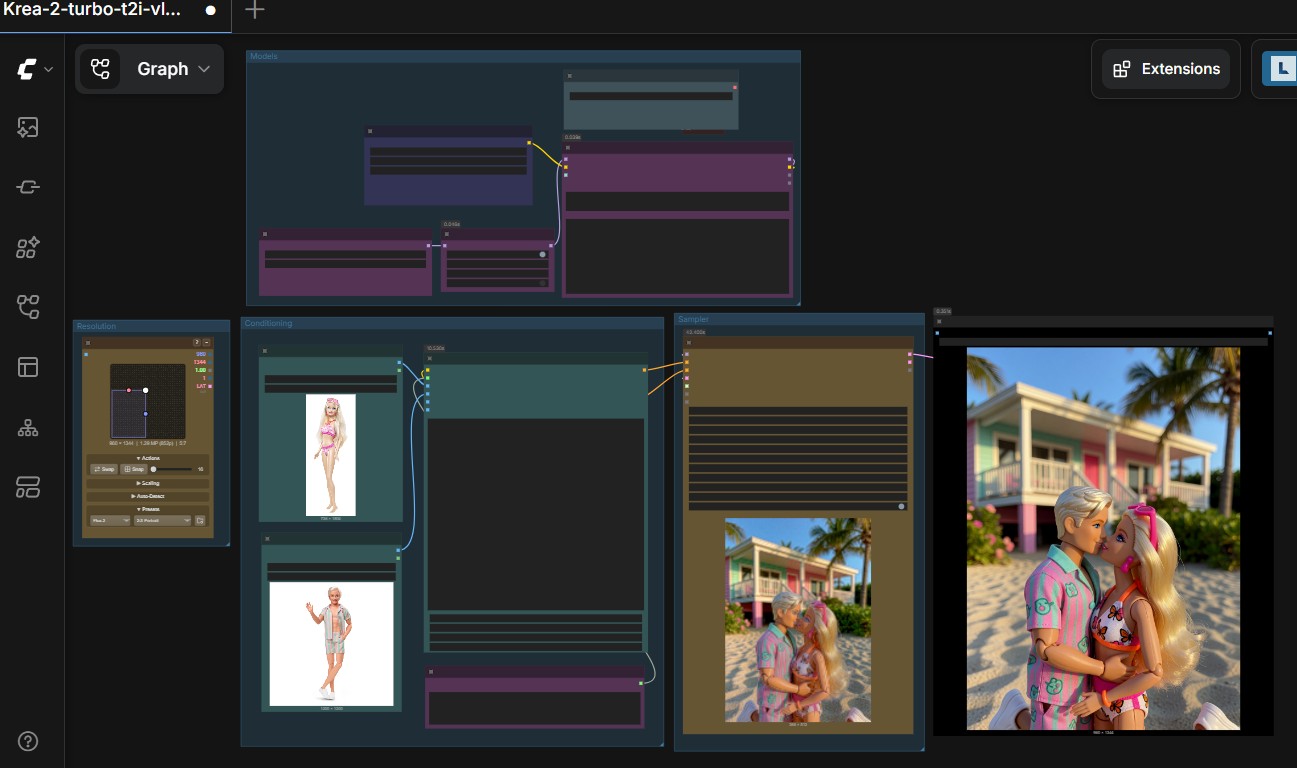
View the Krea-2 artist-friendly workflow
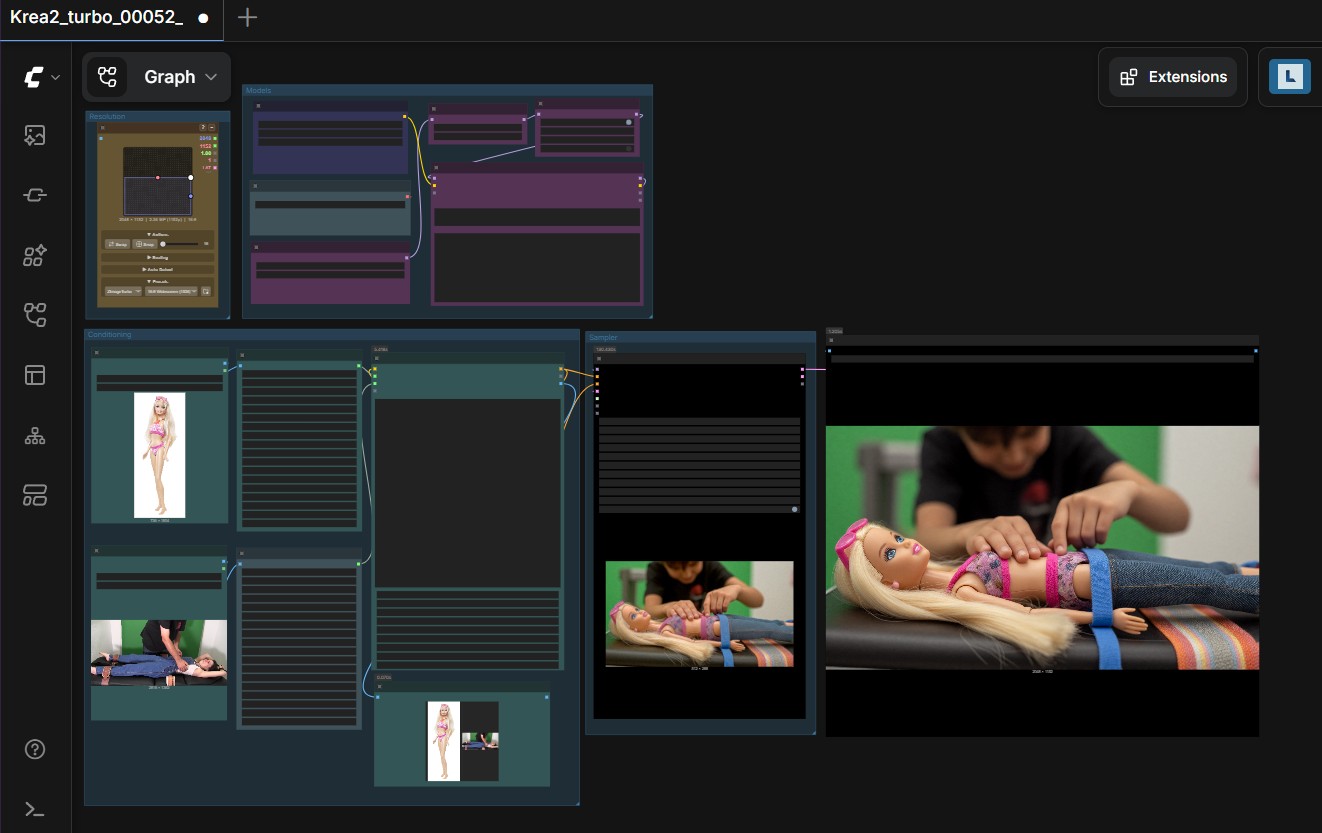
View the Krea-2 ostris controlnet with 3D pose workflow
s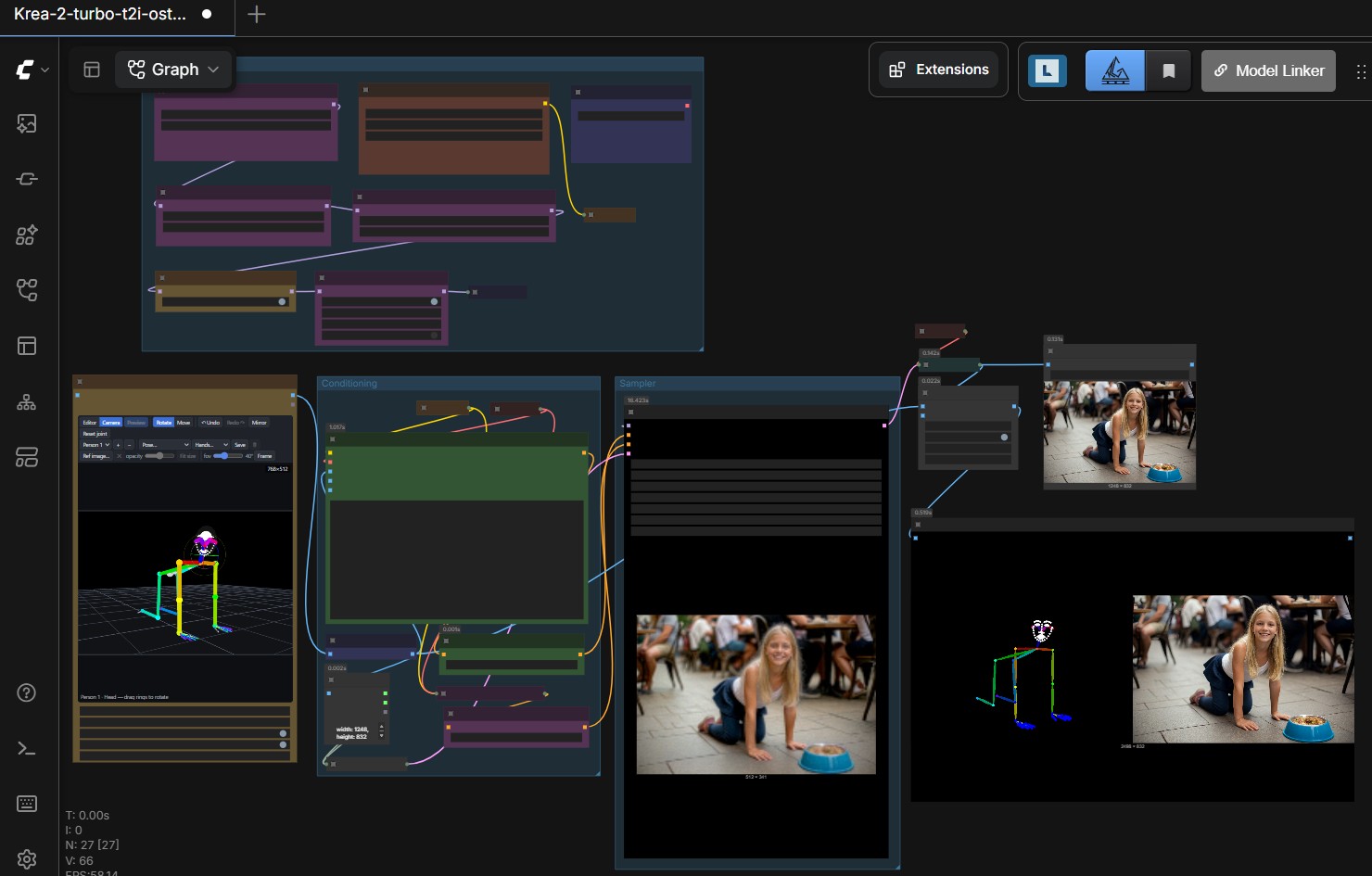
SenseNova U1.5
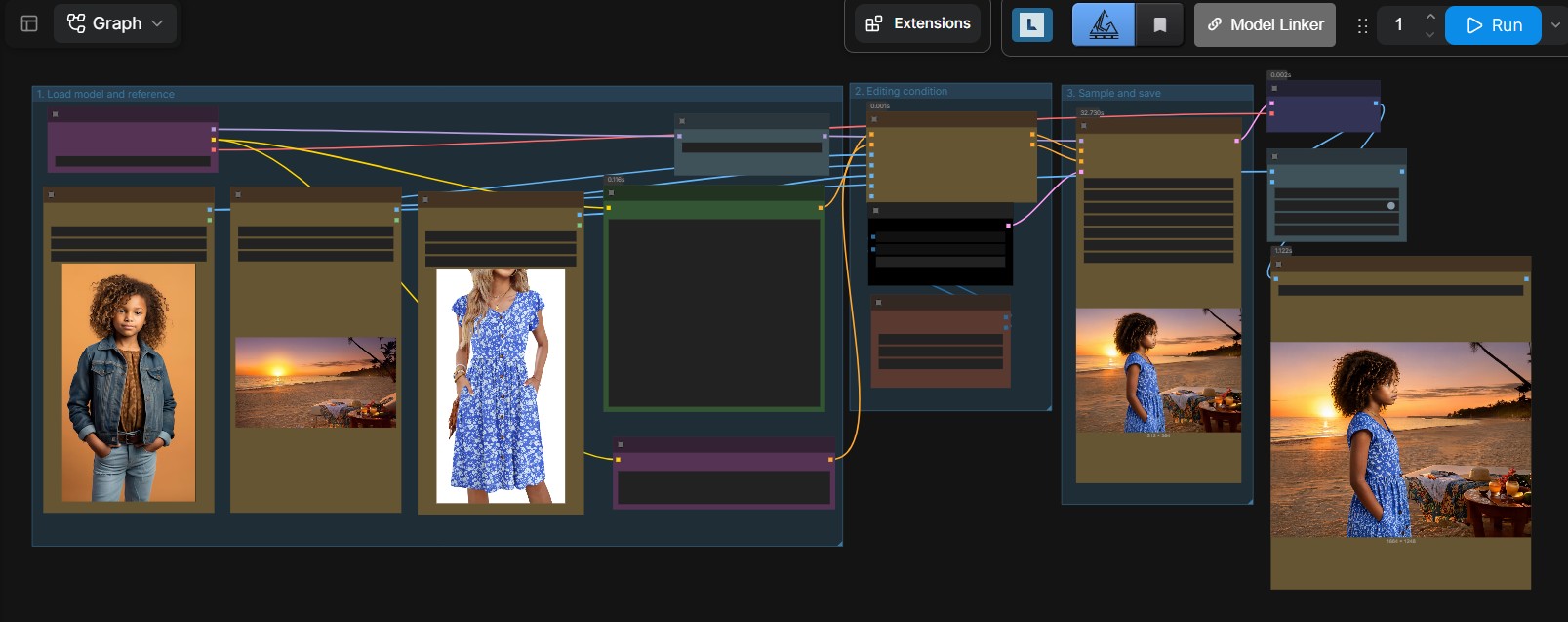
Use SenseNova U1.5 for text-to-image generation or image-to-image editing with the Final BF16 checkpoint and optional distilled 8-step LoRA.
View the SenseNova U1.5 workflow
Qwen-Image 2.1
Use Qwen-Image 2.1 for text-to-image generation and image editing, with optional prompt enhancement.
Example images
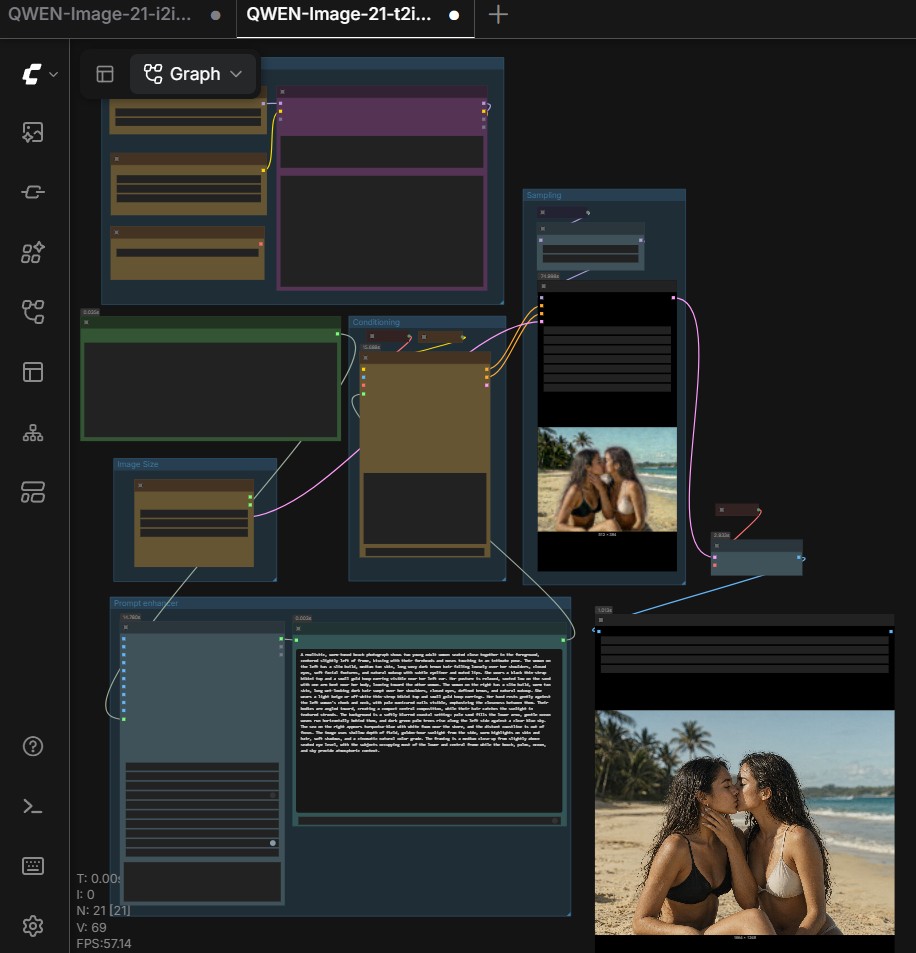
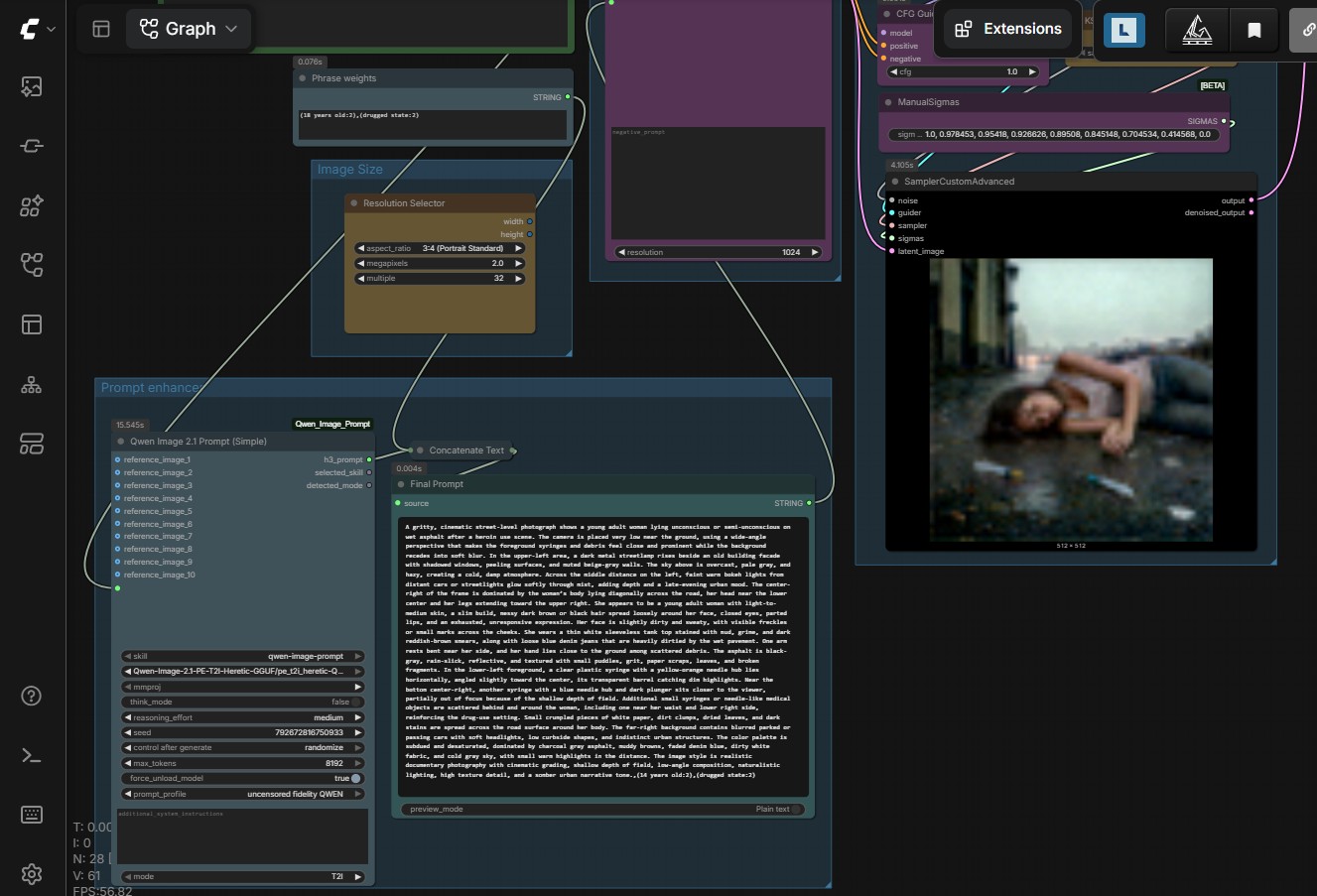
t2i prompt enhancement phrase weight adjusted turbo lora

i2i prompt enhancement turbo lora

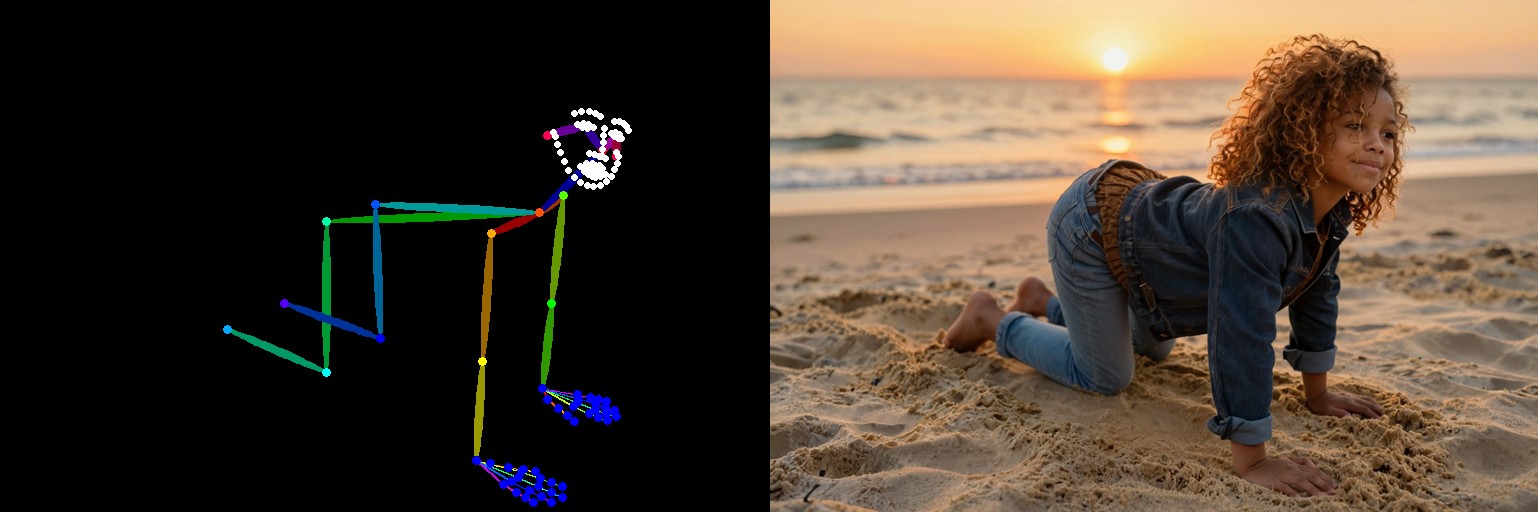
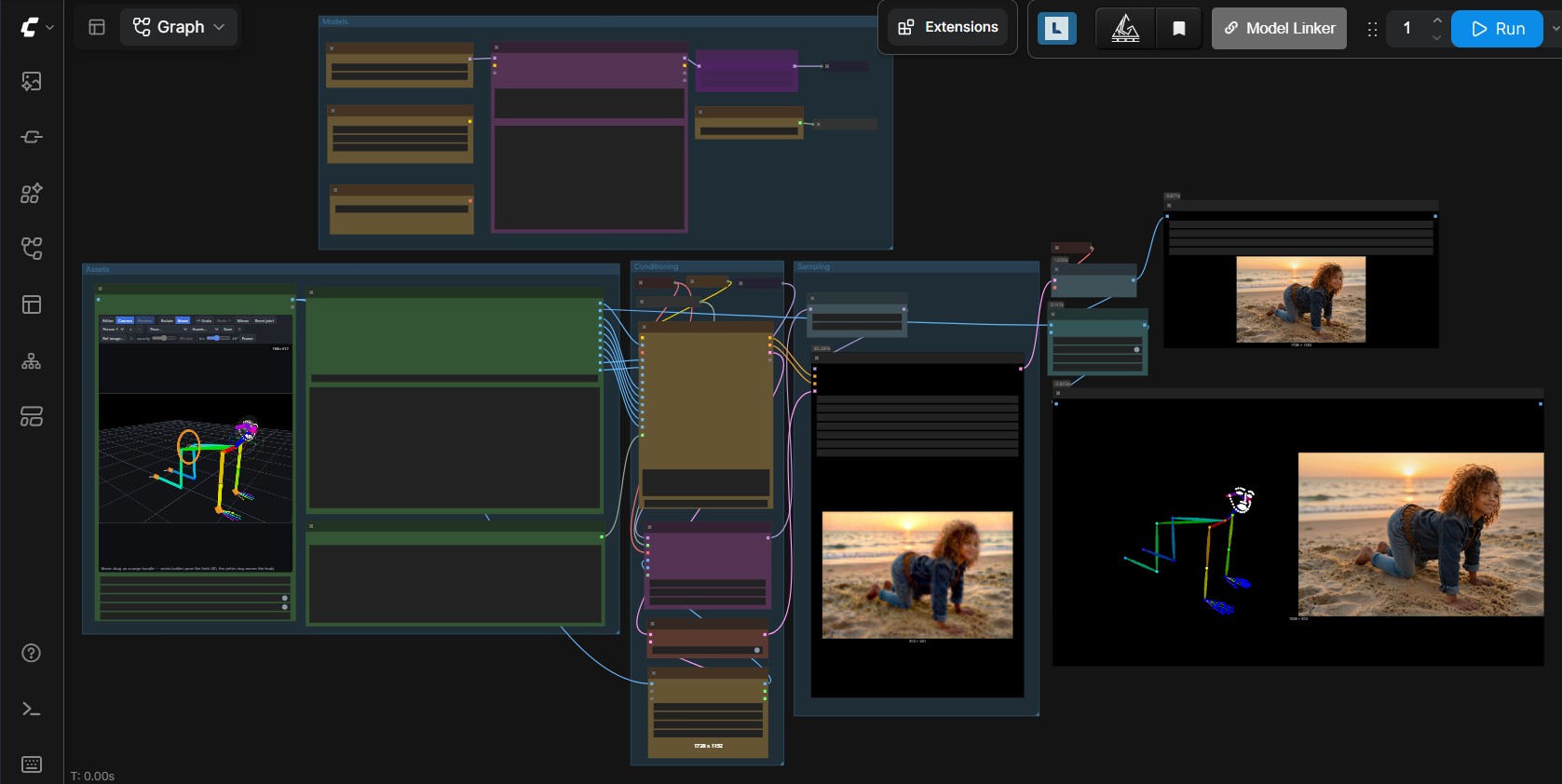
i2i controlnet , pose created with 3D pose custom node
Workflows included
| Workflow | Best suited for |
|---|---|
t2i |
Generating an image from a text prompt |
i2i |
Editing an image with text instructions |
t2i-prompt-enhancer |
Expanding a prompt before image generation |
i2i-prompt-enhancer |
Enhancing instructions before image editing |
i2i-controlnet |
Modify the pose of a reference inmage with 3D pose |
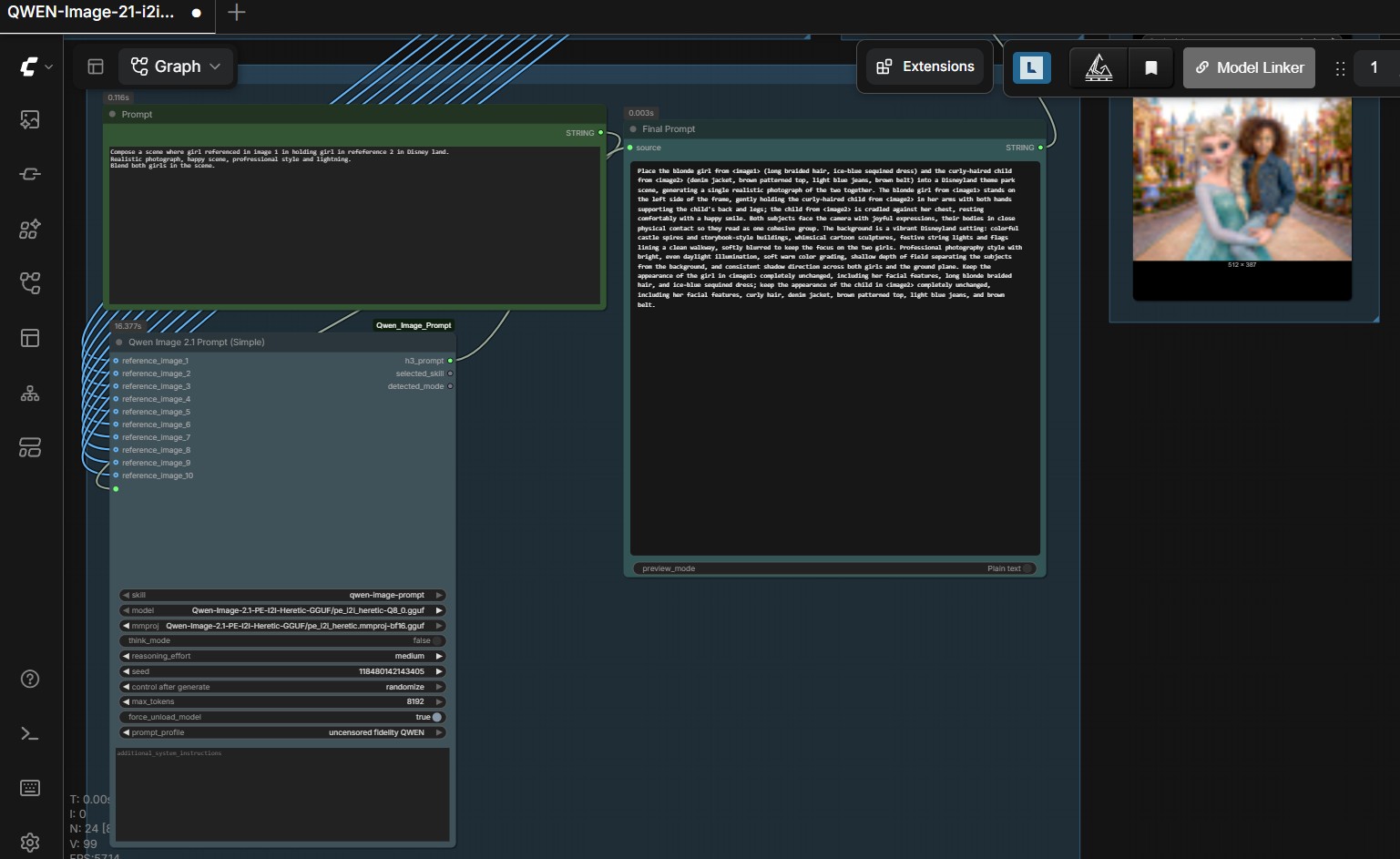
View the Qwen-Image 2.1 text-to-image prompt enhancer workflow
View the Qwen-Image 2.1 text-to-image phrase weights workflow
View the Qwen-Image 2.1 image-edit prompt enhancer workflow
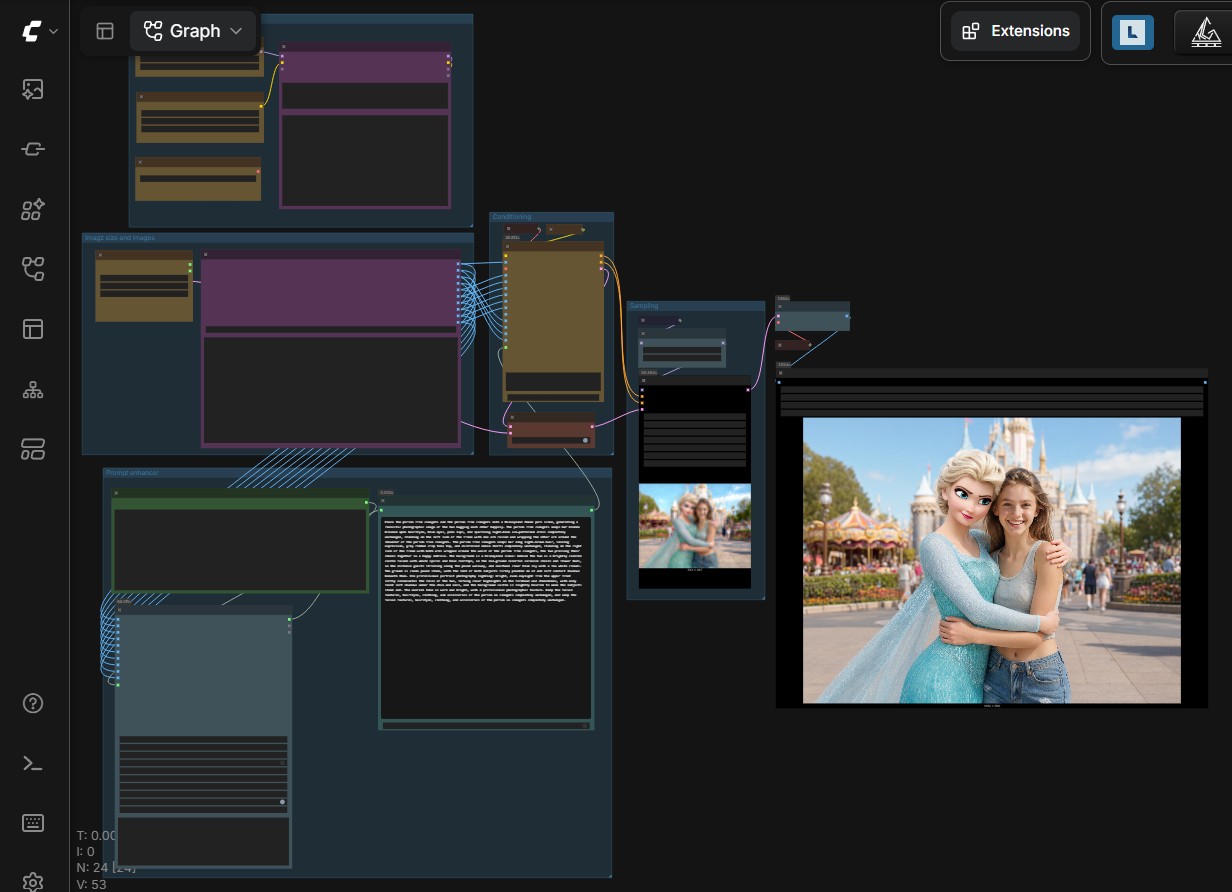
View the Qwen-Image 2.1 image-edit prompt enhancer custom node
View the Qwen-Image 2.1 controlnet workflow with 3D poser
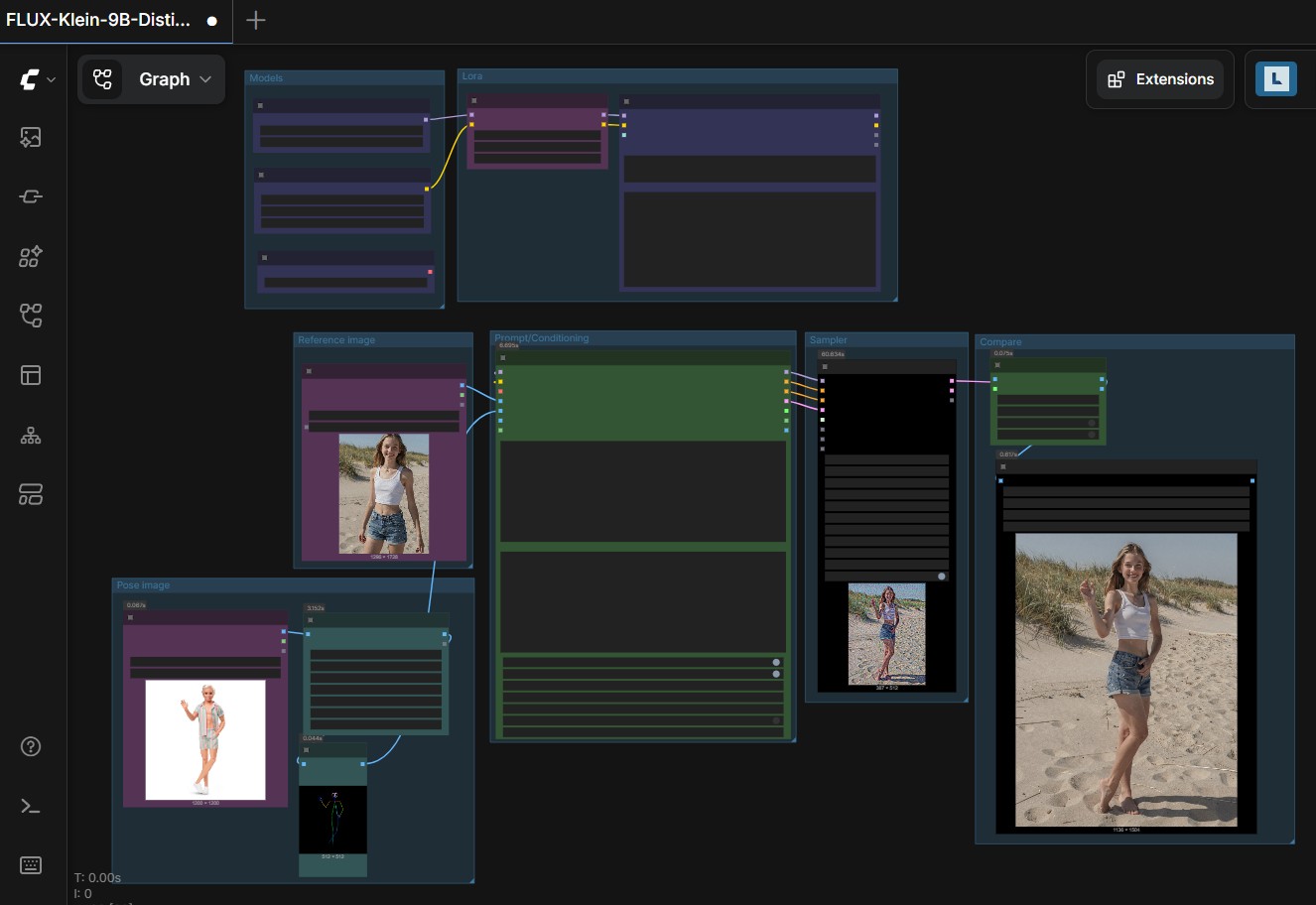
FLUX.2 Klein workflows
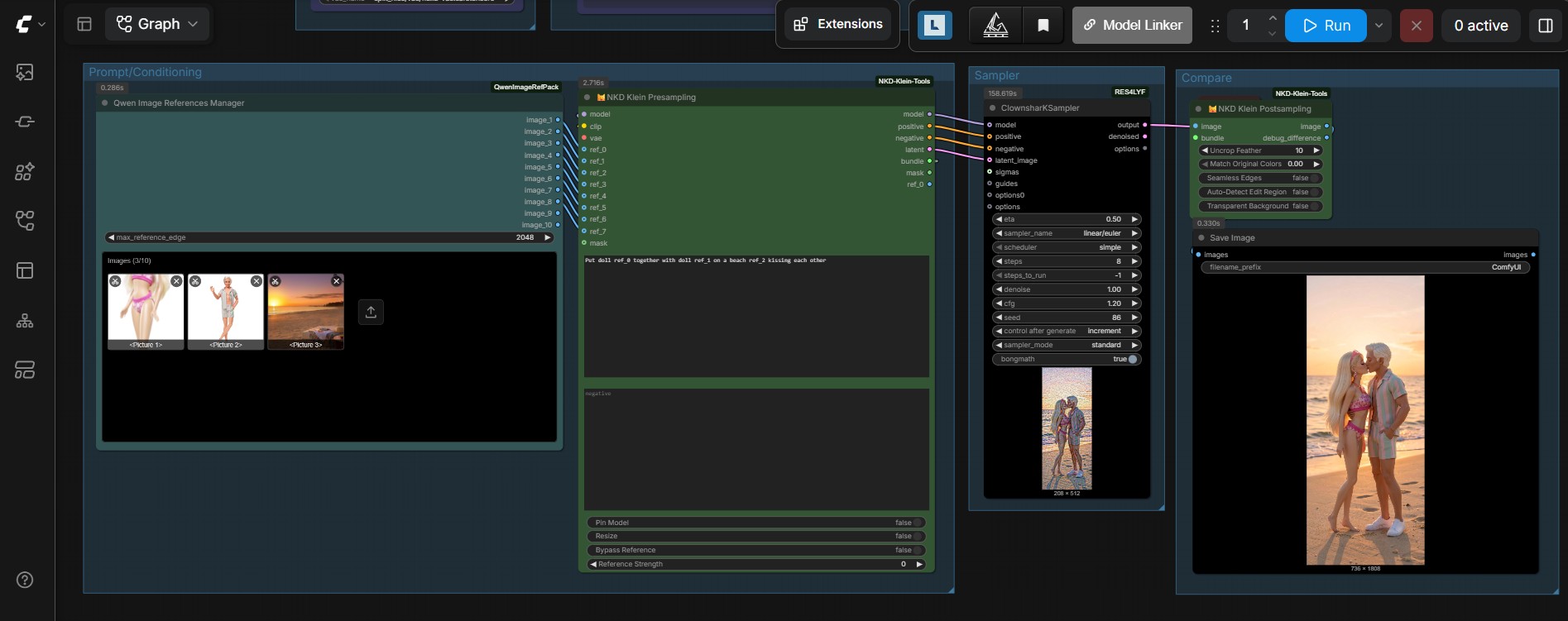
View the FLUX.2 Klein multiple image composition workflow
Use FLUX.2 Klein when generation needs to follow a control, target or reference image.
View the FLUX.2 Klein control and target workflow
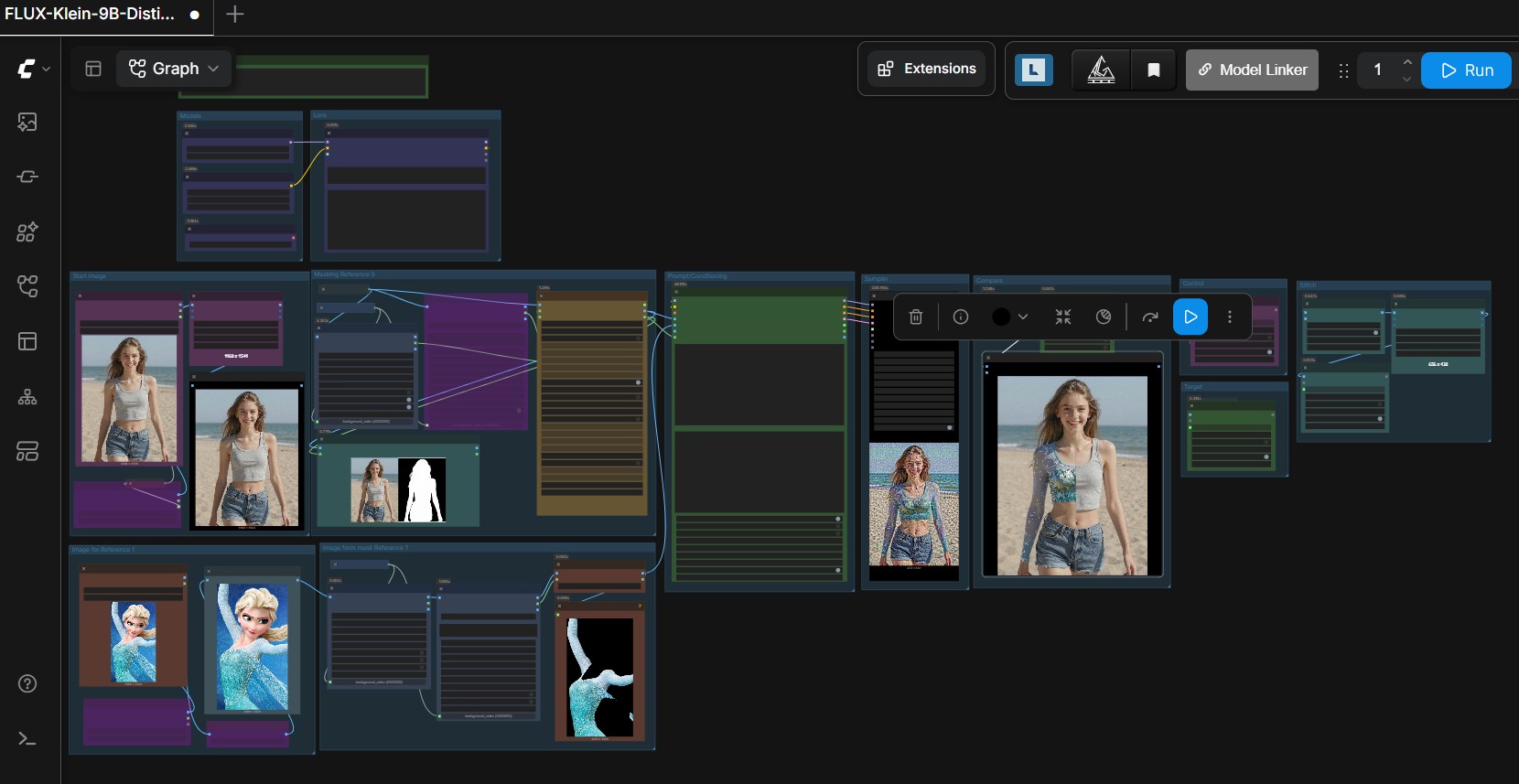
View the FLUX.2 Klein RefControl workflow
Multiple-angle workflows
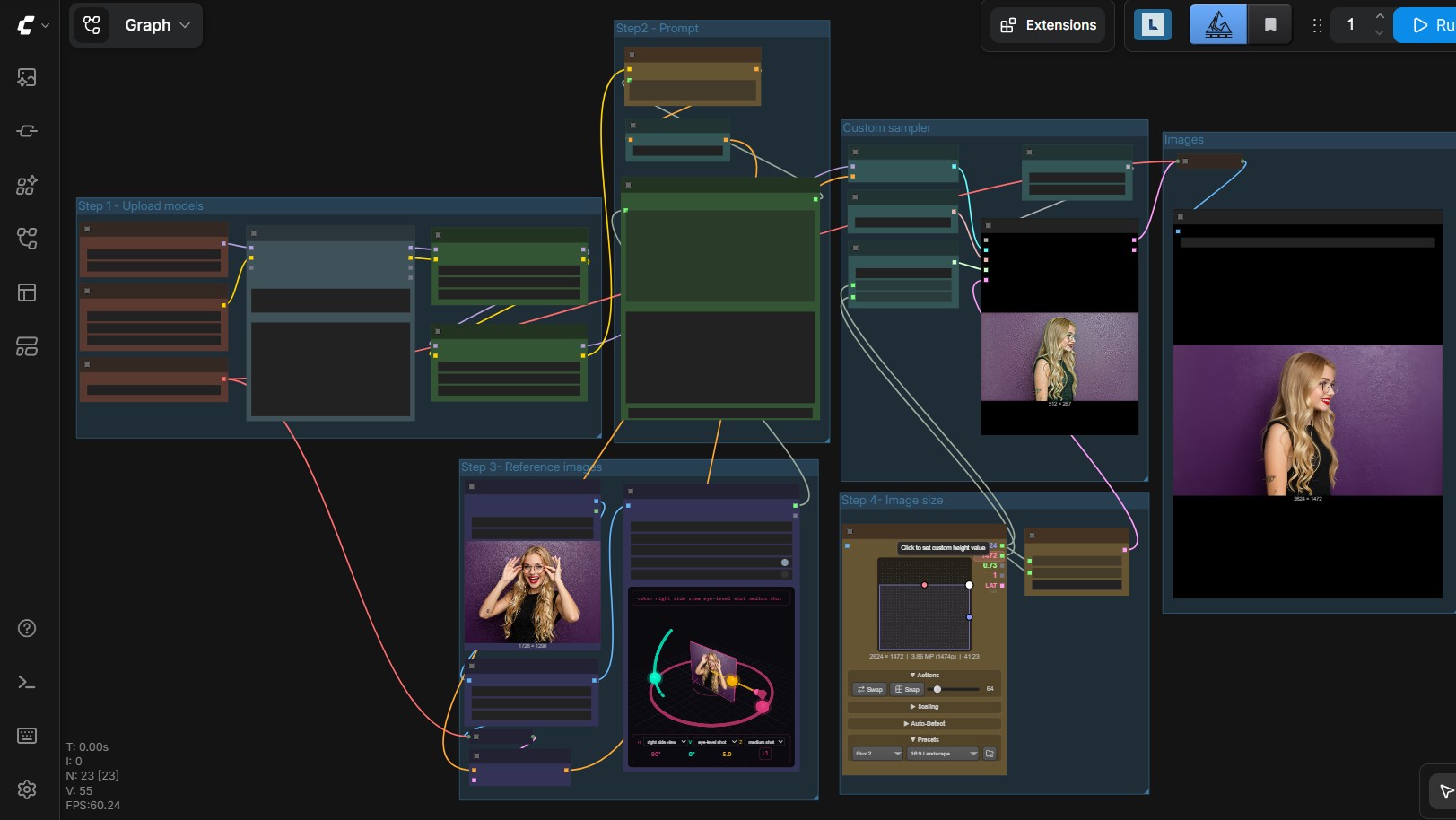
Generate several viewing angles with Qwen Image 2.1 , Qwen-Image-Edit or FLUX.2 Dev.
View the Qwen-Image 2.1 mutiple angle workflow
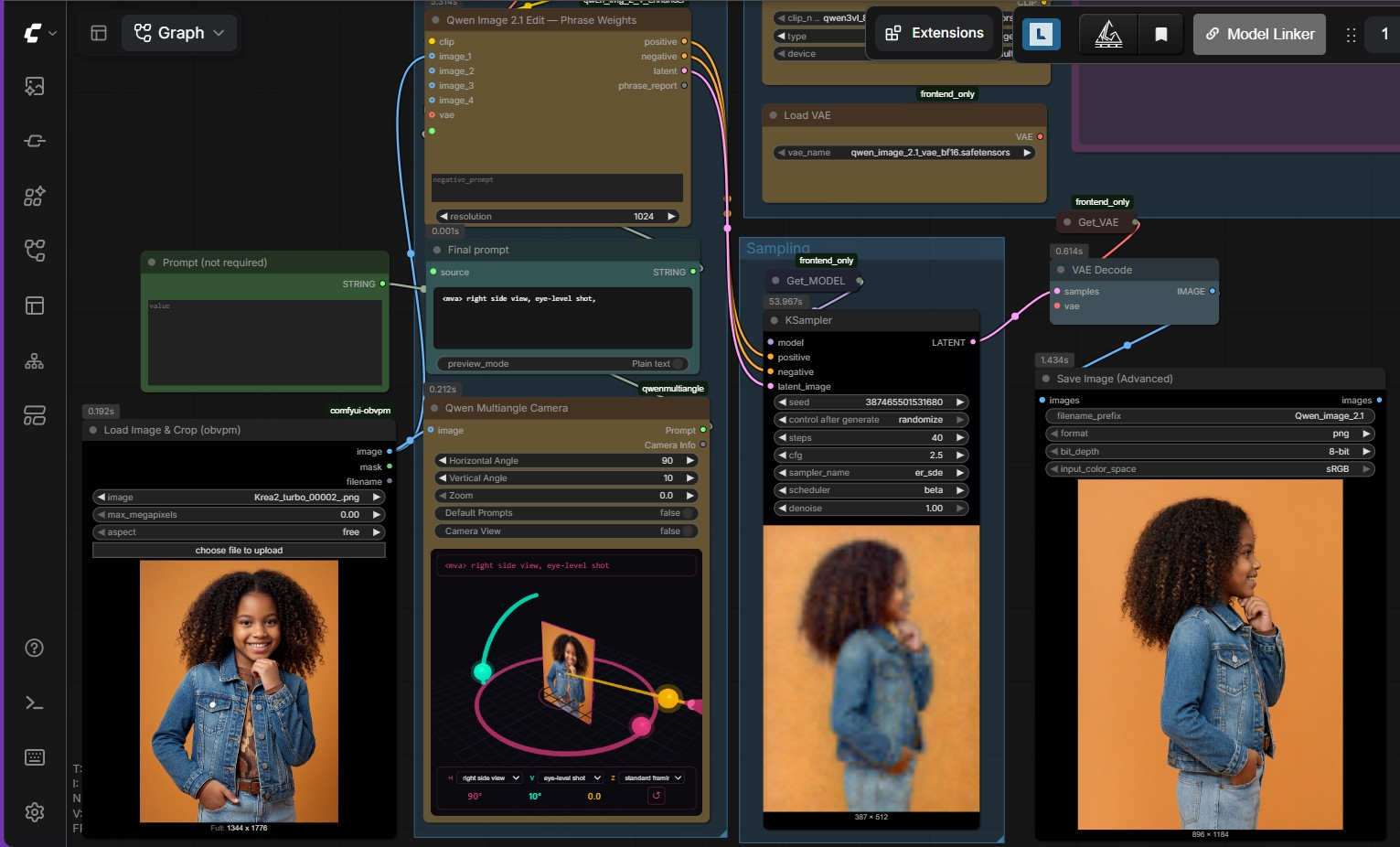
View the Qwen-Image-Edit multiple-angle workflow
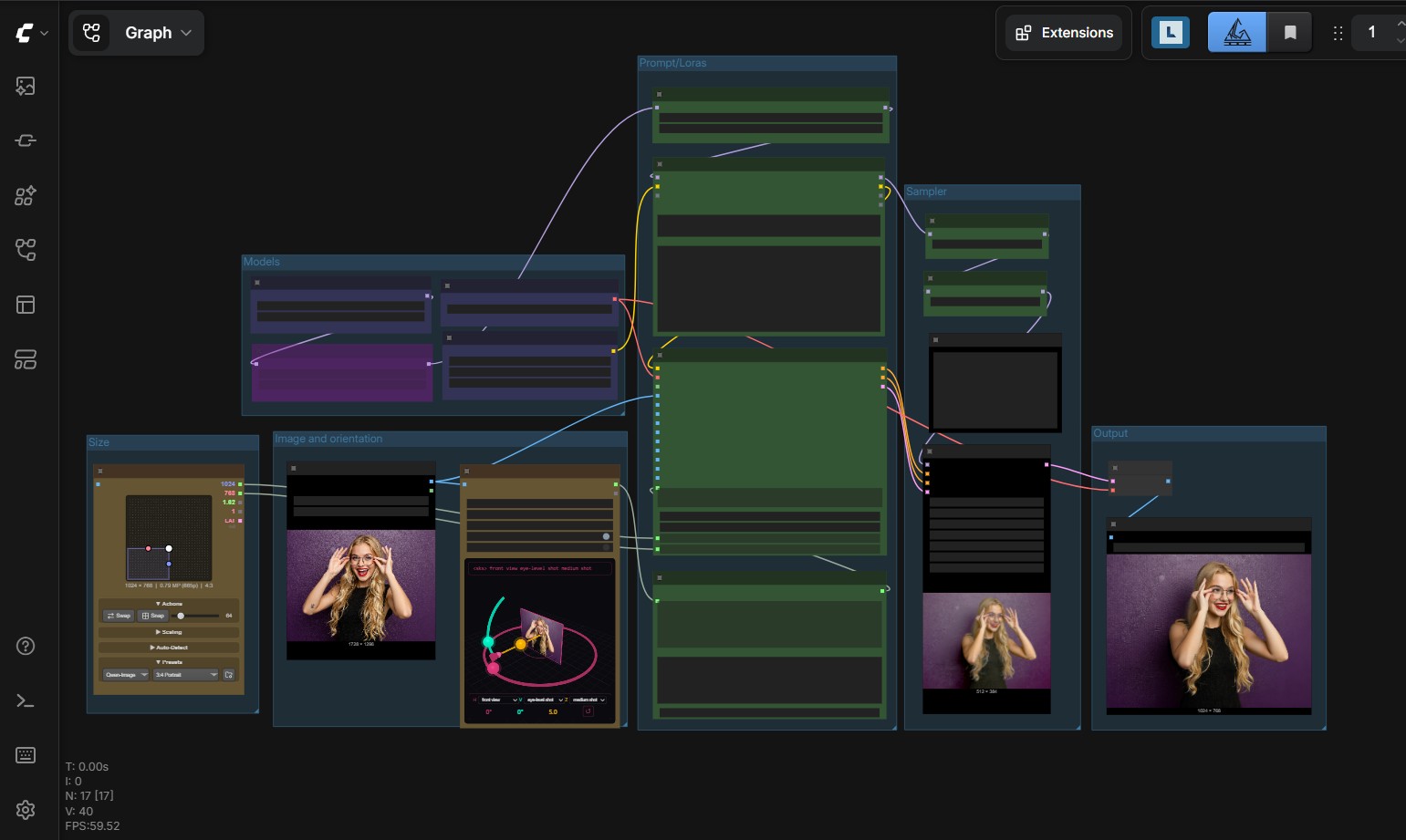
View the FLUX.2 Dev multiple-angle workflow
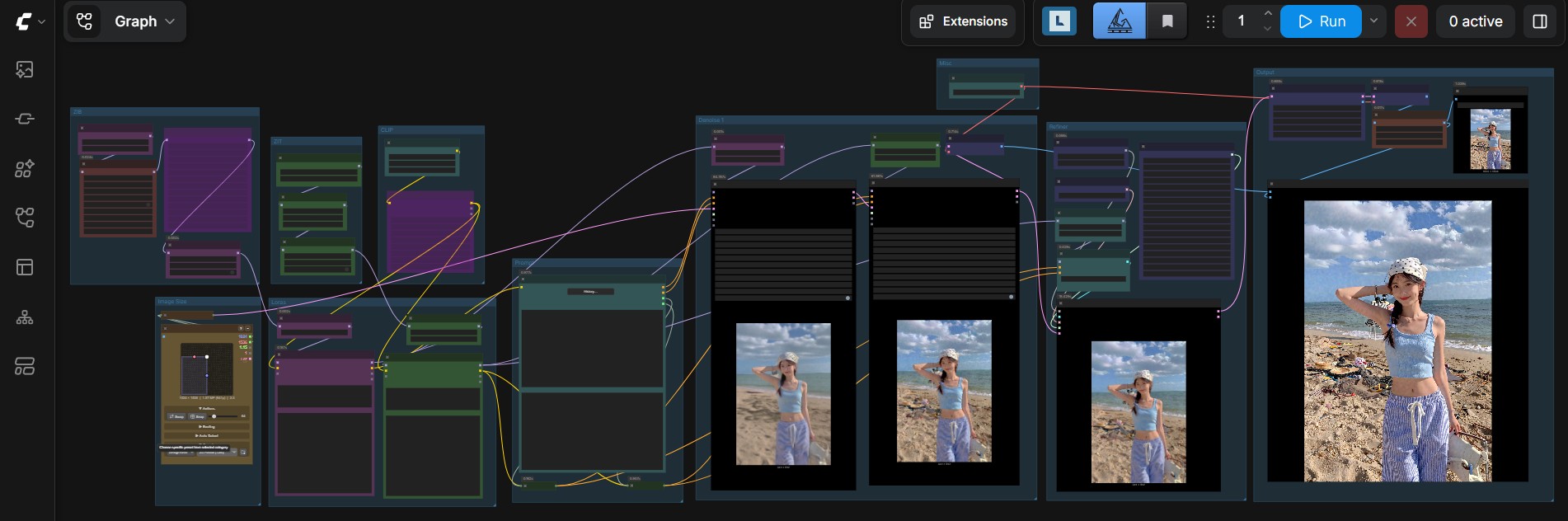
ZIB-ZIT
Use the ZIB-ZIT workflow for text-to-image generation with the Z-Image model family.
View the ZIB-ZIT workflow
JoyCaption
Use JoyCaption to analyze an image and generate a detailed description or prompt.
View the JoyCaption workflow
Hardware output comparison
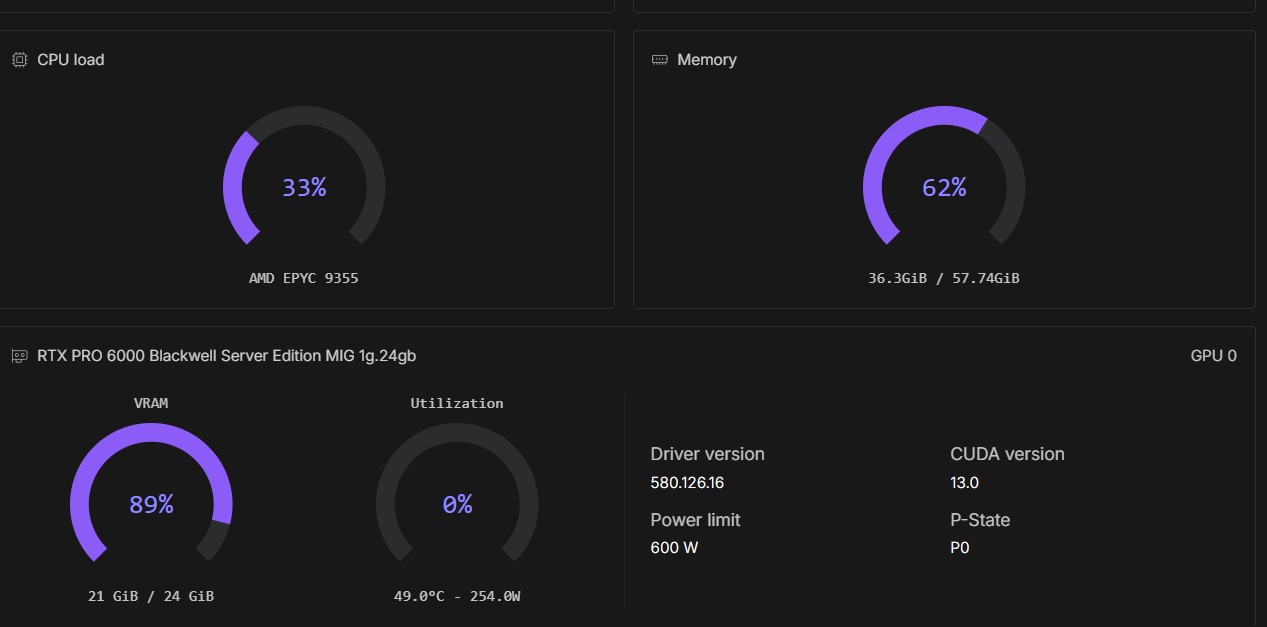
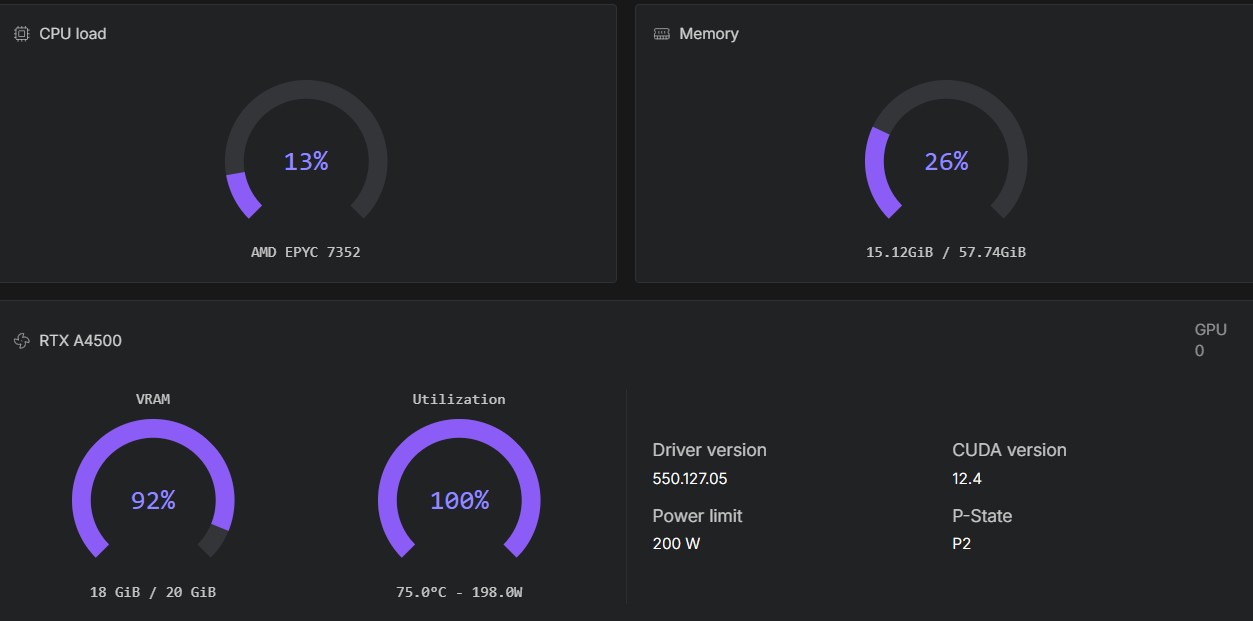
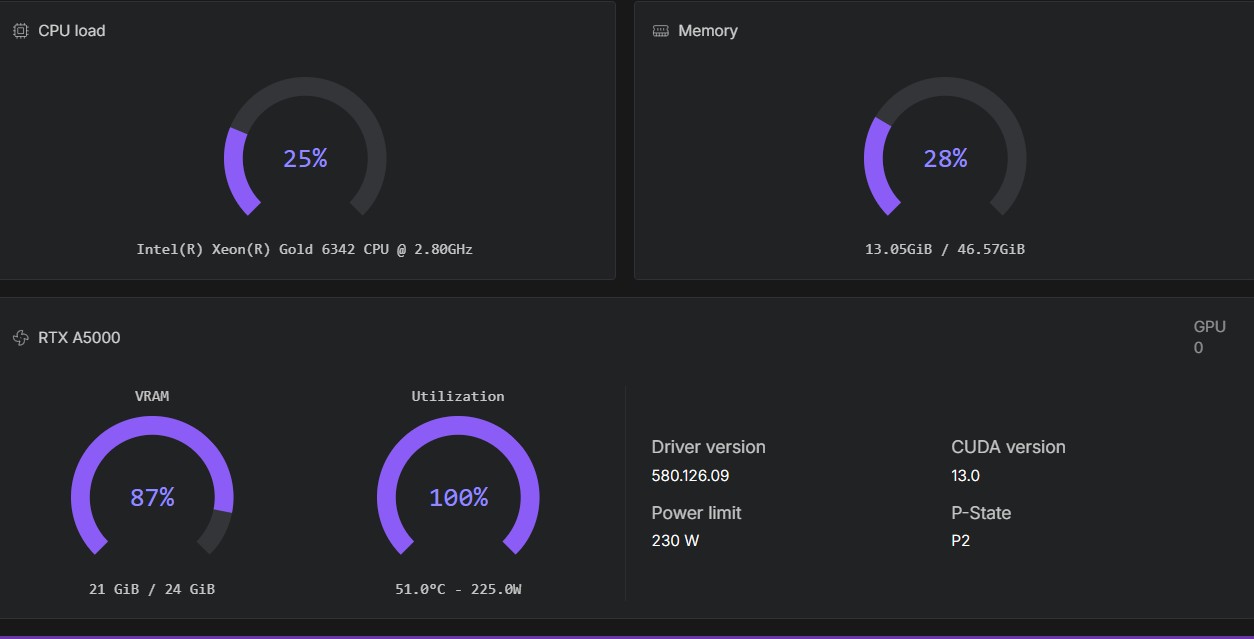
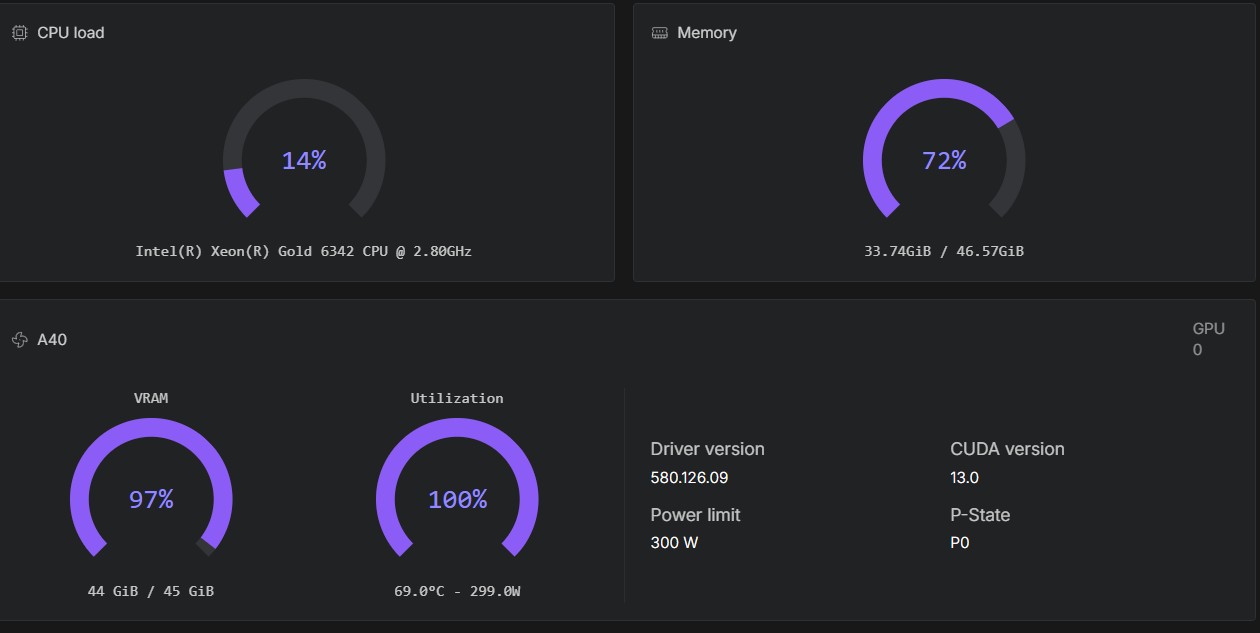
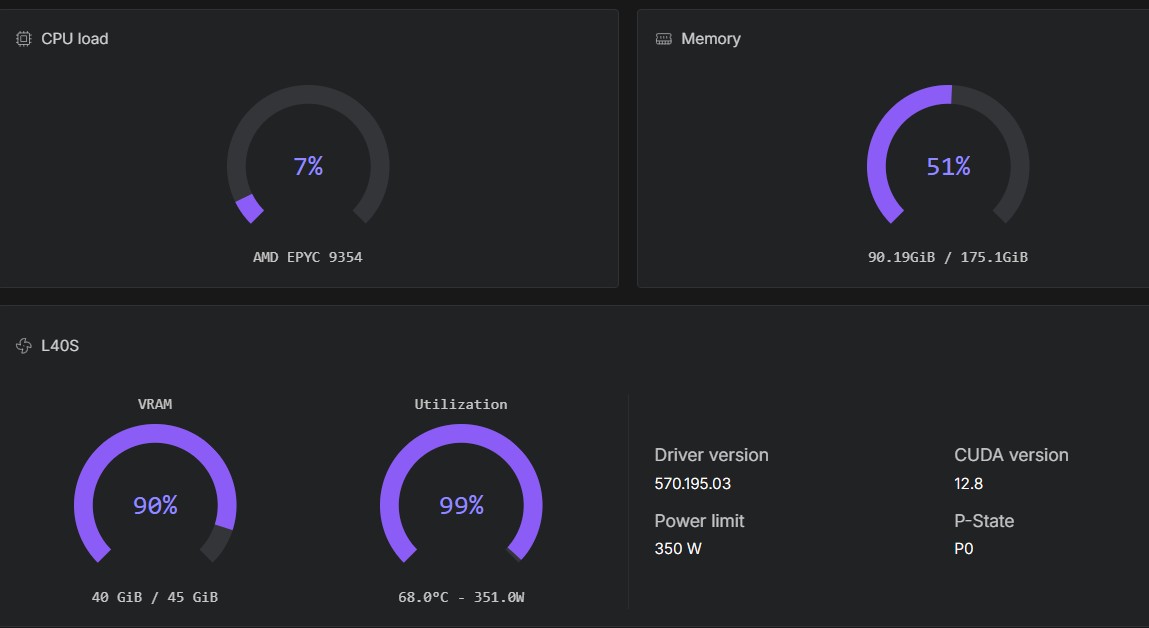
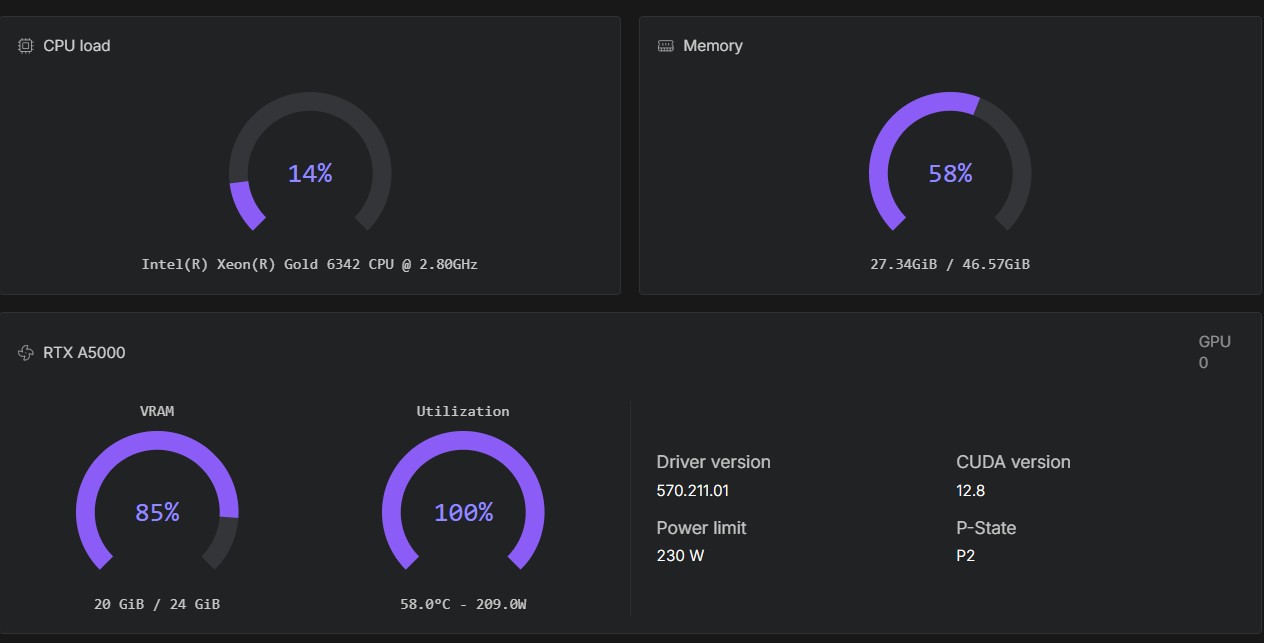
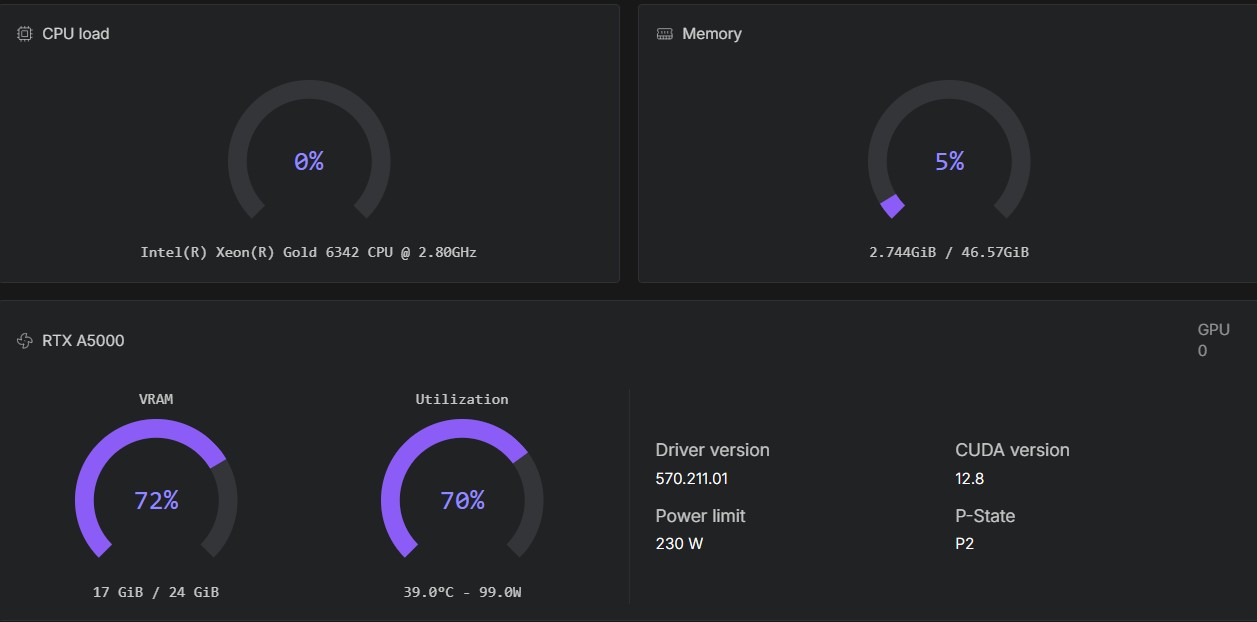
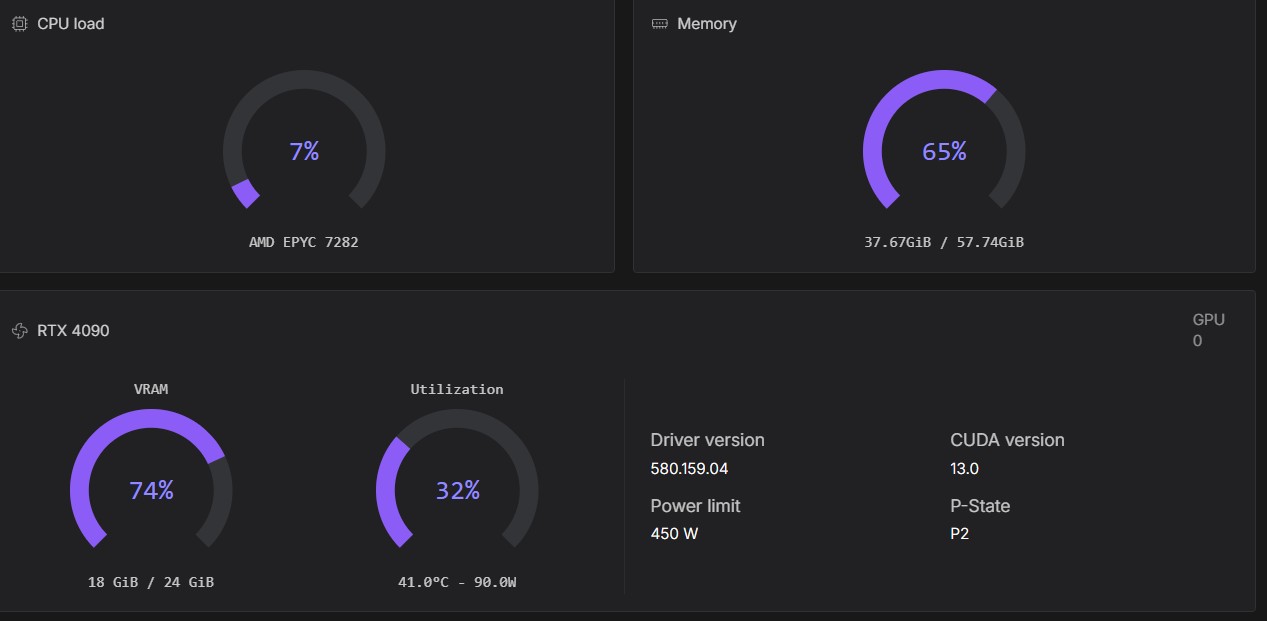
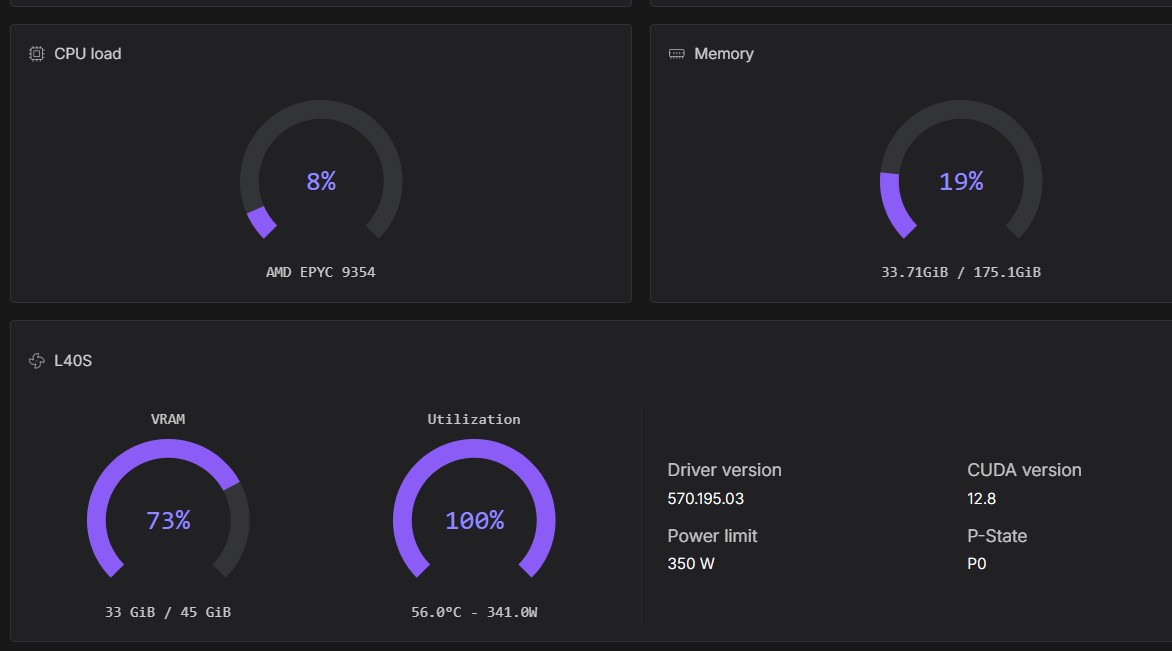
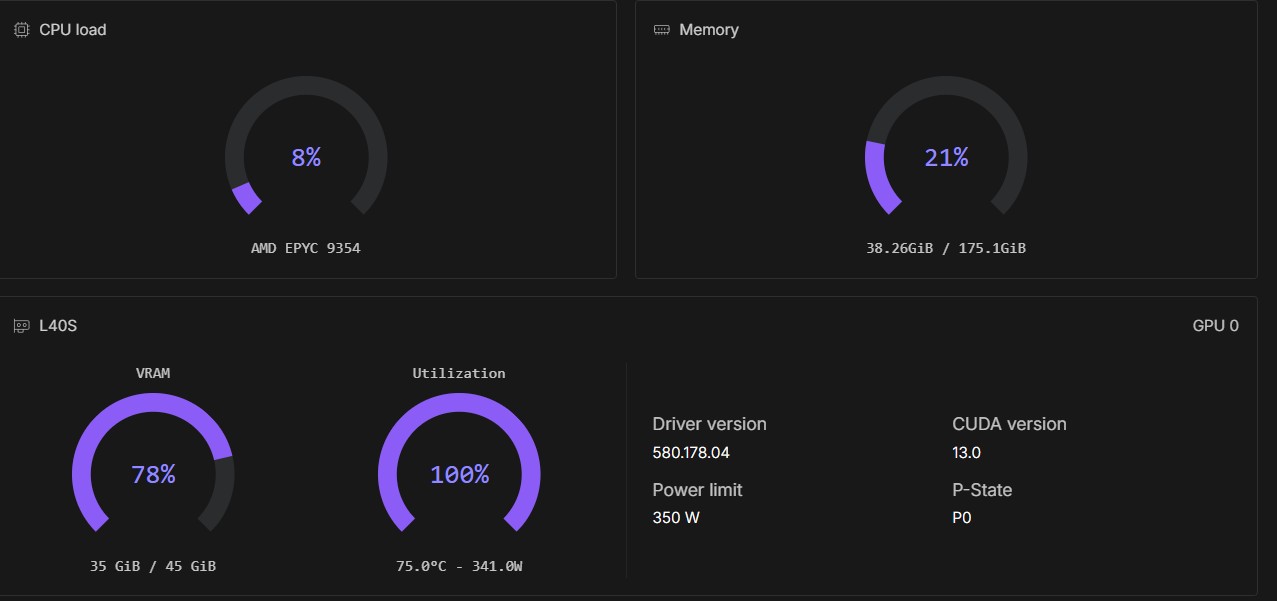
These screenshots show the workflows running with different models, precisions and GPU configurations.
| Workload | Precision | Example GPUs | Note |
|---|---|---|---|
| Z-Image | — | RTX A4500, RTX A5000, RTX 4000 Ada, RTX 3090 | Four GPU examples |
| FLUX.2 Klein 9B | — | RTX A4500 | One GPU example |
| Qwen-Image-Edit | fp8 or bf16 | RTX A5000, A40 | Two precision examples |
| FLUX.2 Dev | bf16 or fp8 | L40S, RTX A5000 | The fp8 A5000 example is slower |
| Krea-2 turbo | fp8 or bf16 | RTX A5000, RTX 4090 | Three configuration examples |
| SenseNova U1.5 | bf16 | L40S | L40S example; t2i and i2i also tested on RTX 6000 Ada |
| Qwen-Image 2.1 | INT8 ConvRot | L40S, RTX 4090,6000 PRO MiG 24 Gb | Tested with 60 GB volume storage; |
View the hardware comparison screenshots
Z-Image on an RTX A4500
Z-Image on an RTX A5000
Z-Image on an RTX 4000 Ada
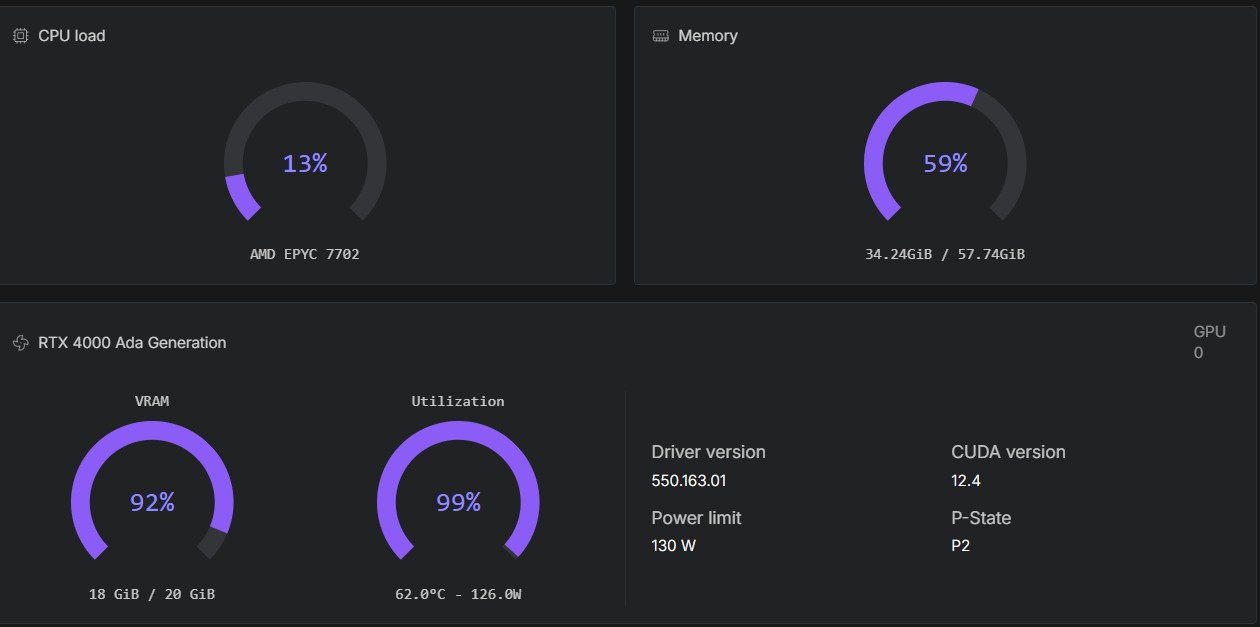
Z-Image on an RTX 3090
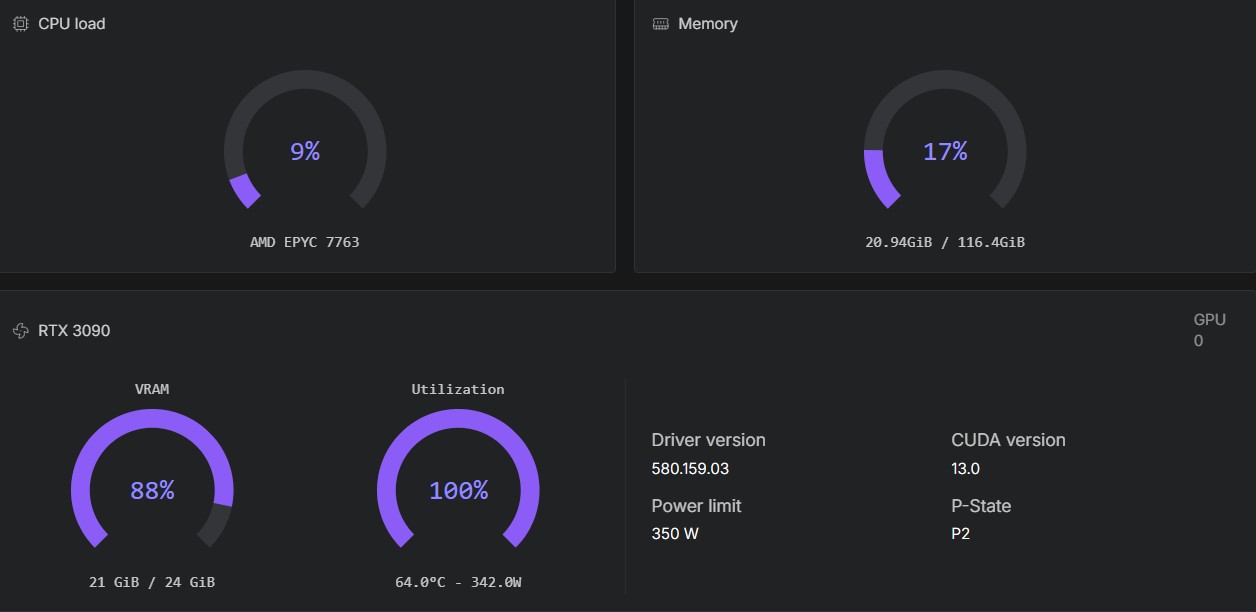
FLUX.2 Klein 9B on an RTX A4500
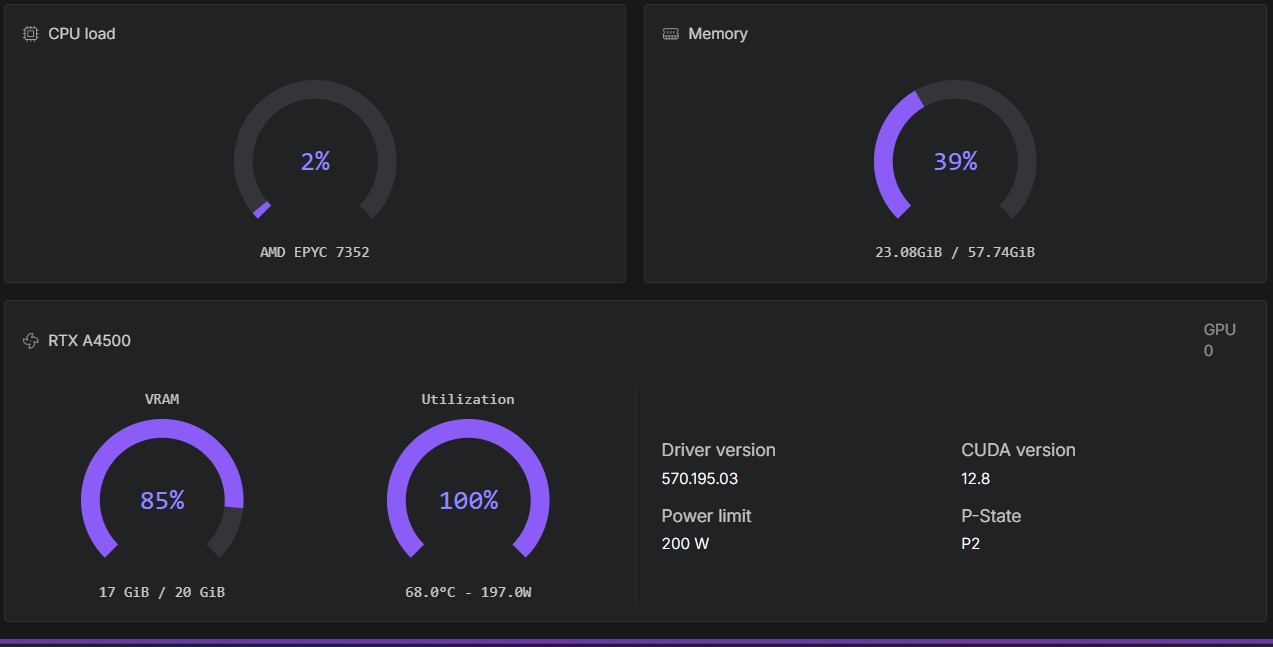
Qwen-Image-Edit fp8 on an RTX A5000
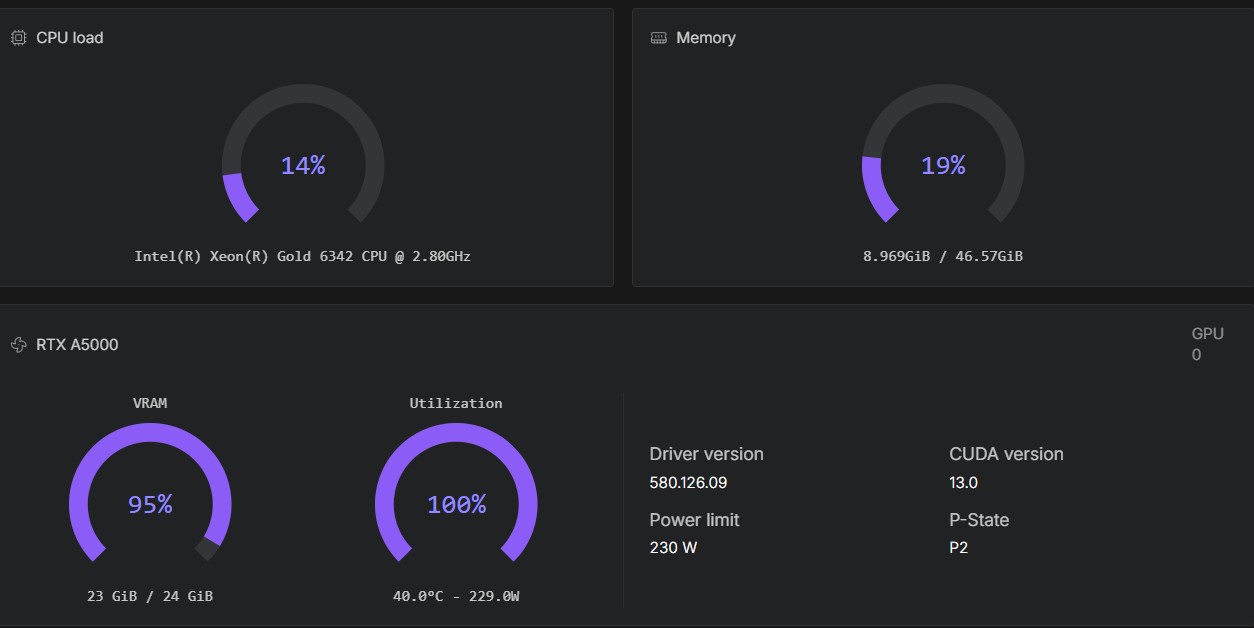
Qwen-Image-Edit bf16 on an A40
FLUX.2 Dev bf16 on an L40S
FLUX.2 Dev fp8 on an RTX A5000
Krea-2 turbo fp8 on an RTX A5000
Krea-2 turbo bf16 on an RTX A5000
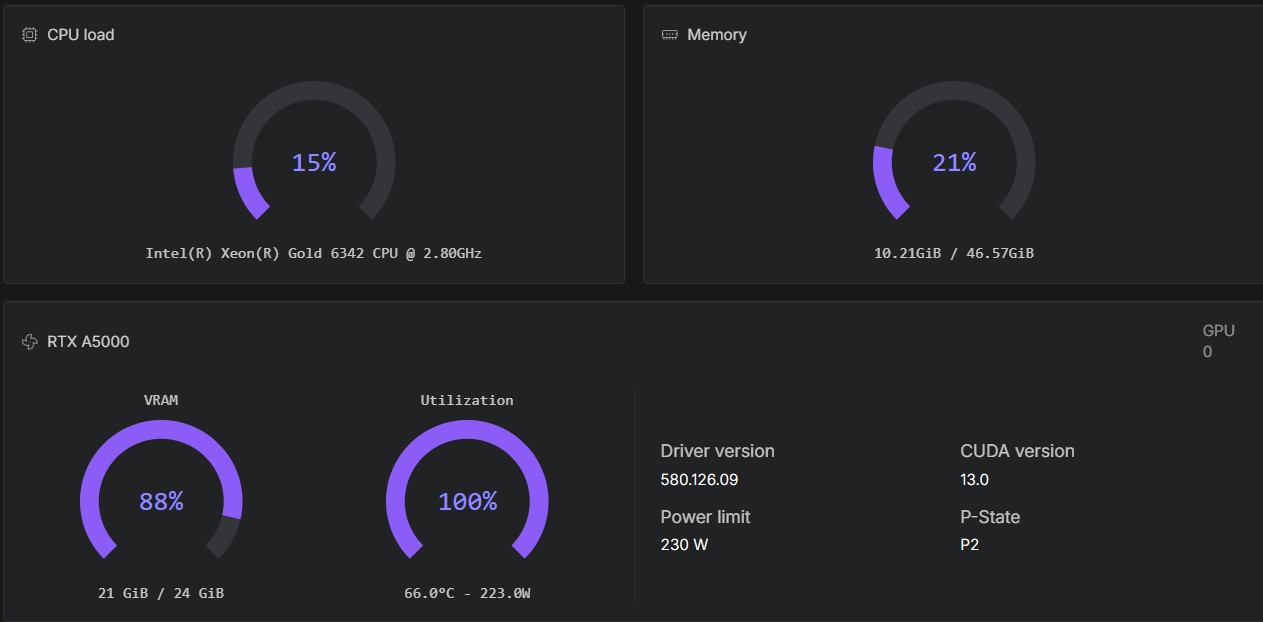
Krea-2 turbo bf16 on an RTX 4090
SenseNova U1.5 bf16 on an L40S
Qwen-Image 2.1 on an L40S
Qwen-Image 2.1 on an RTX 4090
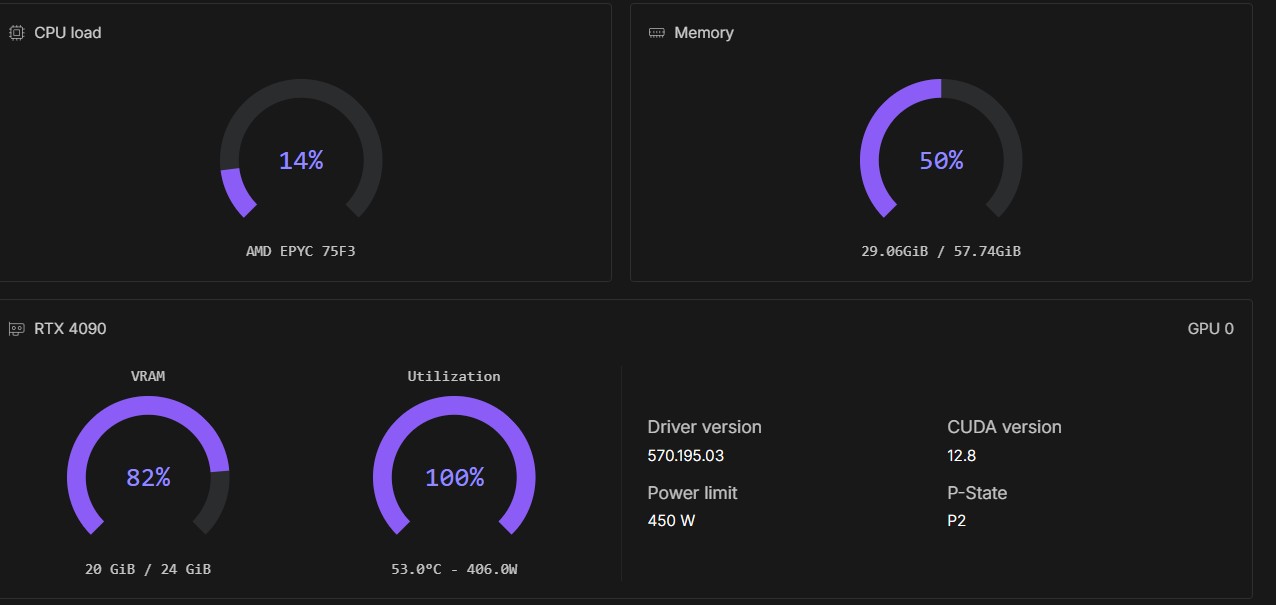
Qwen-Image 2.1 on an RTX PRO 6000 MiG 24Gb